Productivity · macOS
WriteText: a native macOS app that rewrites text in place, in any app
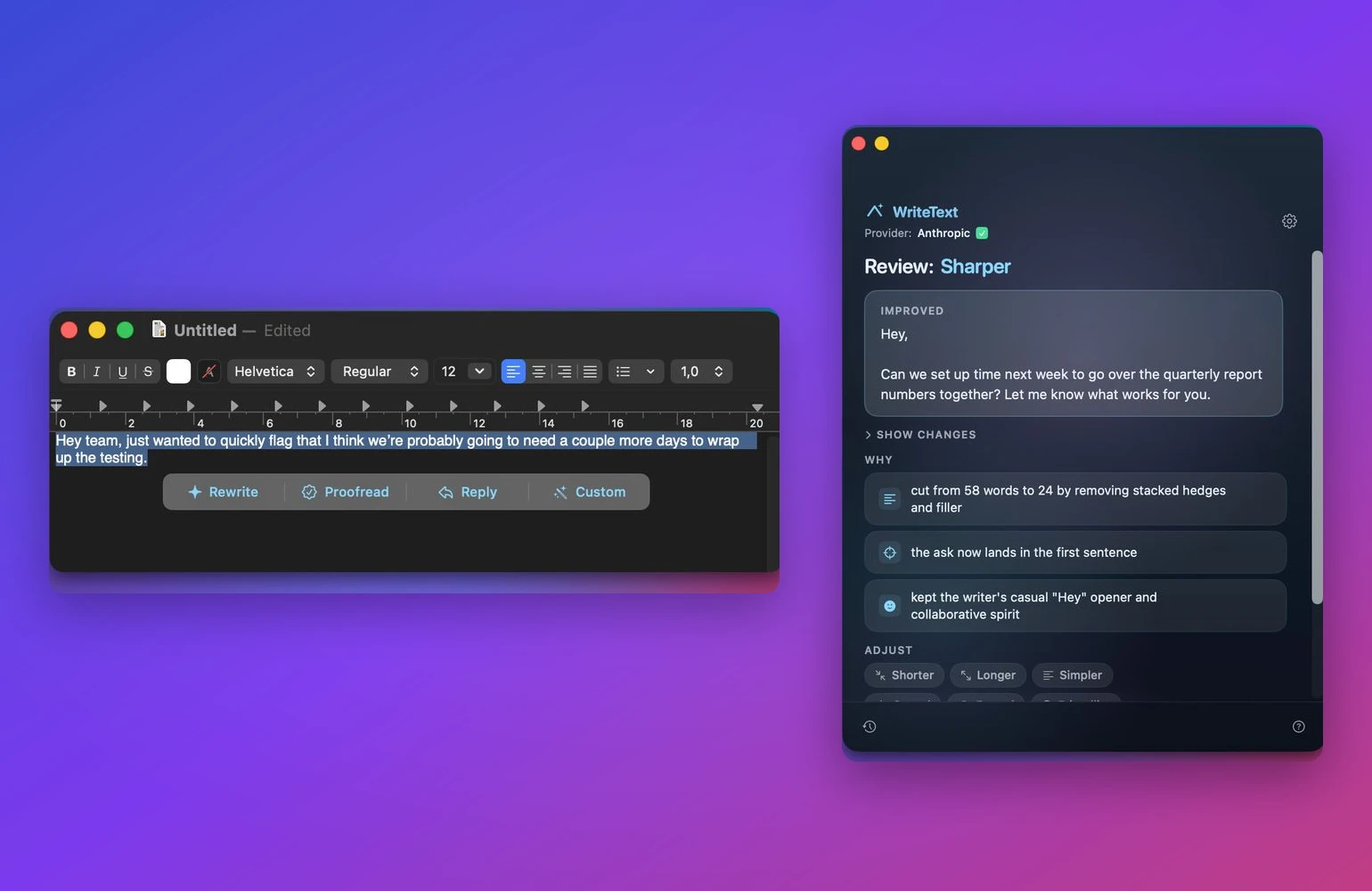
WriteText is a menu-bar Mac app that rewrites a selection where it already sits, in Mail, Slack, or anything else, through the LLM provider you bring.
The story behind
WriteText started as a popover with a text box. Paste in, get a cleaner version, copy out. That works until you count the steps: select, copy, switch app, paste, run, copy, switch back, paste. The whole point was to skip that, so the real work was rewriting the selection where it already lived. Native AppKit apps publish the selection and its on-screen bounds through the Accessibility API. Electron apps like Slack, Notion, and VS Code do not, so the floating button never knew where to appear, and a mouse-gesture watcher had to stand in for them.
Driving a system copy and paste means touching the user's clipboard and synthesizing keystrokes, and getting either one wrong is the kind of bug people never forgive. The app snapshots the whole pasteboard, swaps in the rewrite, pastes, then restores every original item exactly. It also waits for the hotkey modifiers to lift before it sends Command-C, because macOS will otherwise fold the held Option-Command into the synthesized key and the copy silently fails. The unglamorous correctness was the job, not the feature list.
Business value
- The rewrite happens where you are already typing, so there is no window-switching tax on every message.
- It works in the apps people actually live in, including the Electron ones that usually break this kind of tool.
- Bring-your-own-key means no per-seat subscription and no text sent through a middleman, with a local model as the fully private option.
Project scope
- A menu-bar macOS app with a popover for Rewrite, Proofread, Reply, and Custom instructions.
- In-place rewriting across native and Electron apps via the Accessibility API, a Services item, and a mouse-gesture fallback.
- A pluggable provider layer for OpenAI, Anthropic, Gemini, local Ollama, and any OpenAI-compatible endpoint.
- Keychain-stored keys, streaming results, an inline diff, and a learned style profile.
Deliverables
- Native SwiftUI and AppKit app, about 8,900 lines of Swift, distributed directly because the Accessibility API rules out the App Store sandbox.
- One provider protocol with per-backend server-sent-events streaming.
- Selection capture with clipboard snapshot-and-restore and a modifier-release guard.
- A style profile that learns the user's voice from their own examples.
Tech stack
Frequently asked
Can you build a native macOS app for us?
Yes. The selection capture, the clipboard handling, the provider protocol, and the streaming layer transfer to most desktop assistants. We work in Swift and SwiftUI for native Mac, and in .NET, Azure, and React for the web and backend that usually sit behind it.
Why not ship it as a browser extension or an Electron app?
An extension only reaches the browser, and Electron cannot edit a selection inside another native app. The in-place rewrite depends on the macOS Accessibility API, which is also why the app is distributed directly rather than through the App Store sandbox.
Does my text get sent anywhere I do not control?
Only to the provider you configure with your own key. There is no analytics, no telemetry, and no middleman server. Choosing a local Ollama model keeps everything on the machine.
Have a workflow that needs this?
Tell us the shape of the problem. Scoped estimate, usually within 1-2 business days. No card, no obligation.
Estimate this buildor email business@highcraft.ioMore work
Quell focus app
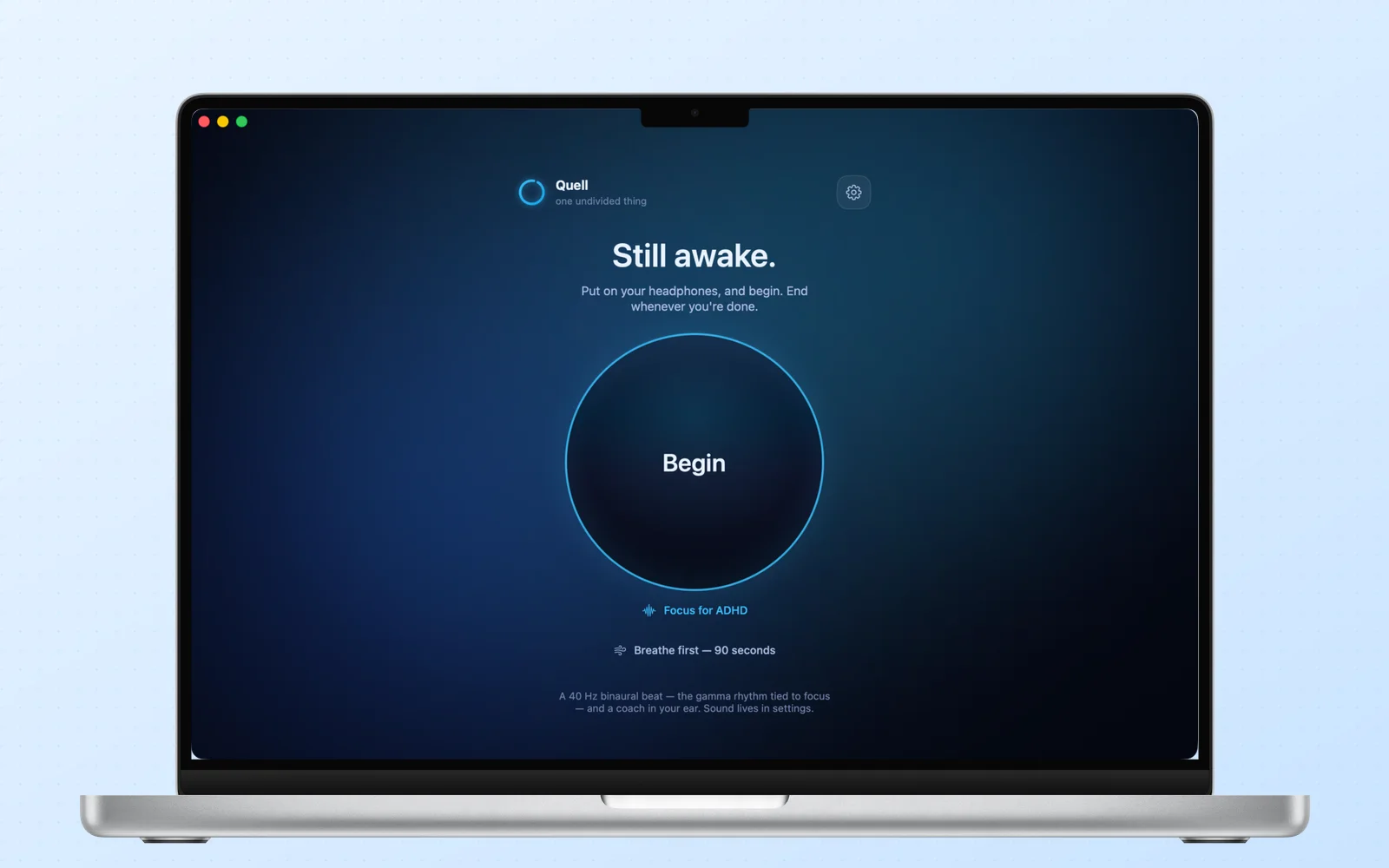
A focus app that generates a 40 Hz binaural beat, a neural-voice coach, and AI music on the device. No accounts, no server, works offline.
WebReaper
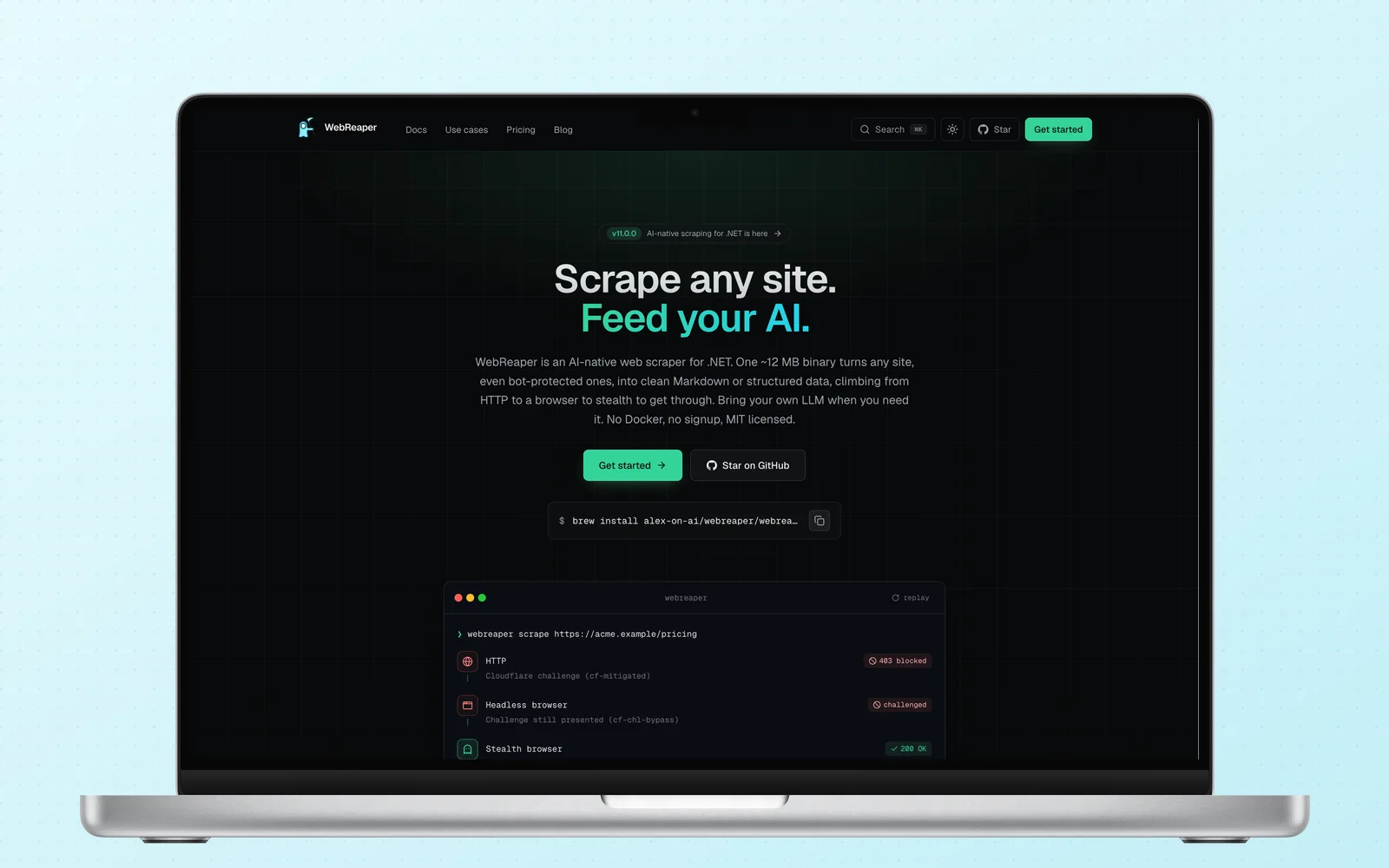
One small binary turns any site, bot-checks included, into clean Markdown or structured data for your LLM. MIT licensed, bring your own model.
Project Wolf
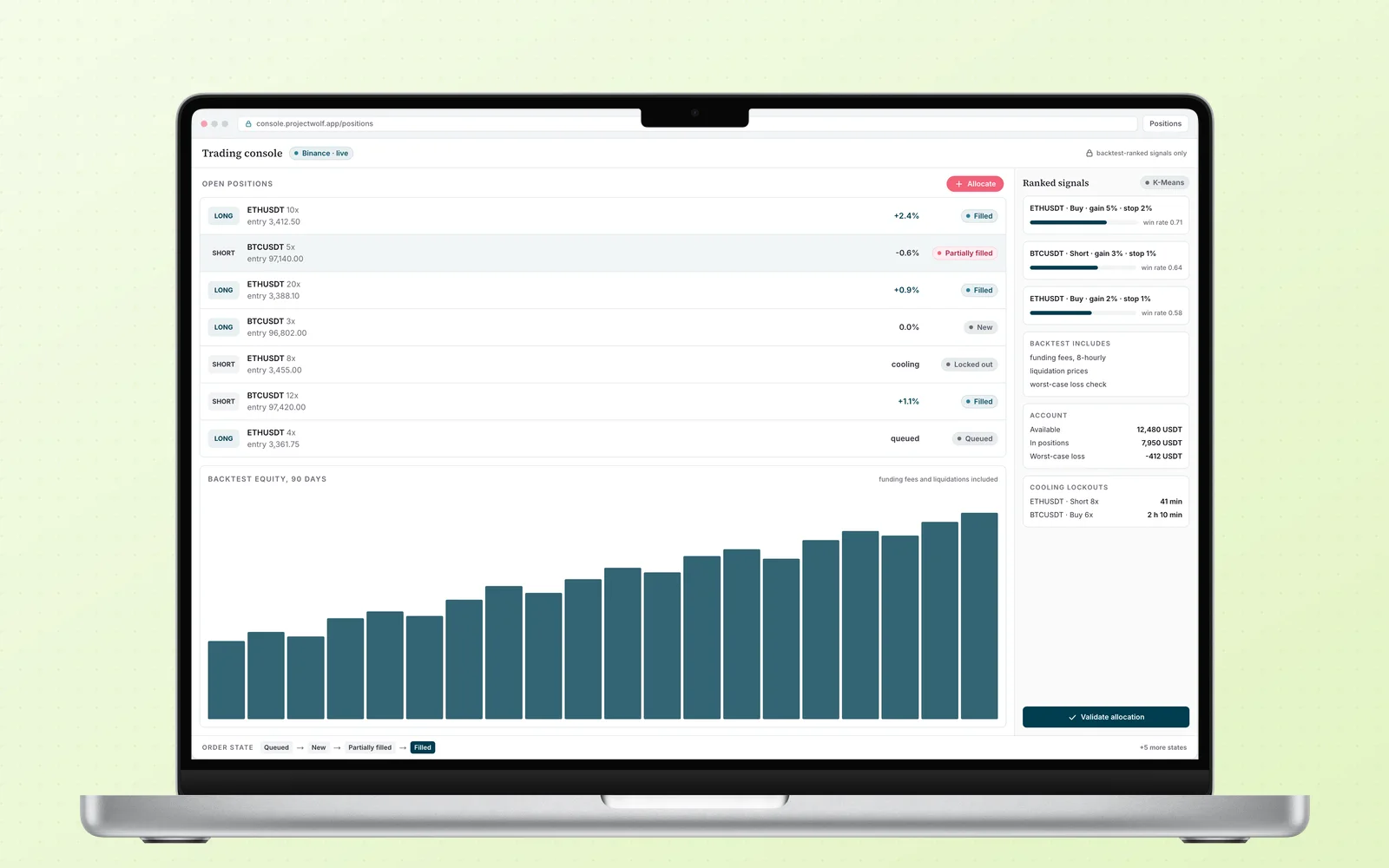
An AI-signal futures platform for Binance. K-Means clustering ranks the trades, a state-aware engine executes them, and risk controls keep the account alive.