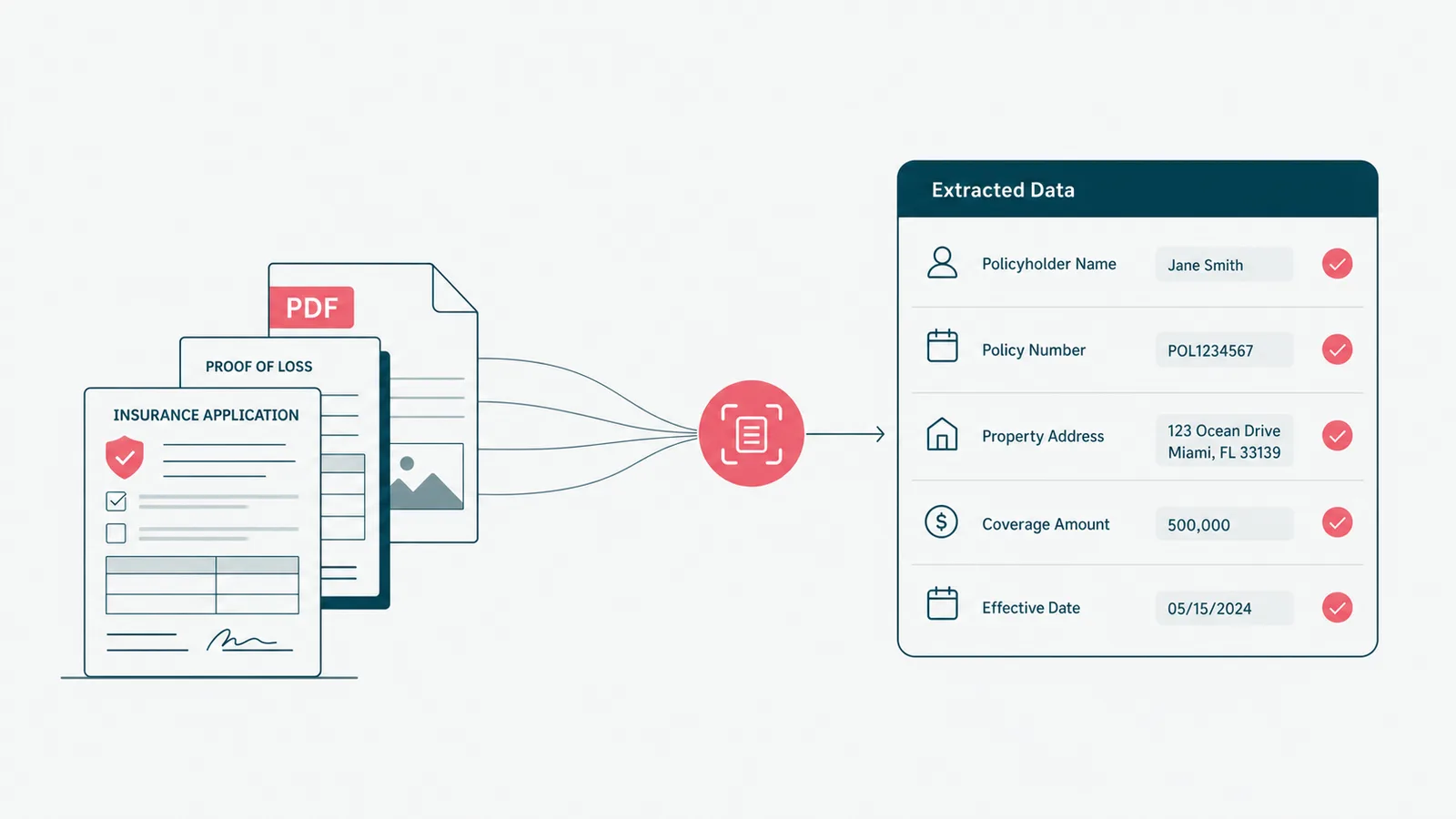
There are two ways to build an AI agent. One takes a weekend and produces a great demo. The other takes longer and produces something you can put in front of a paying customer. (This guide is mostly about the gap between them, which is where the bodies are buried.)
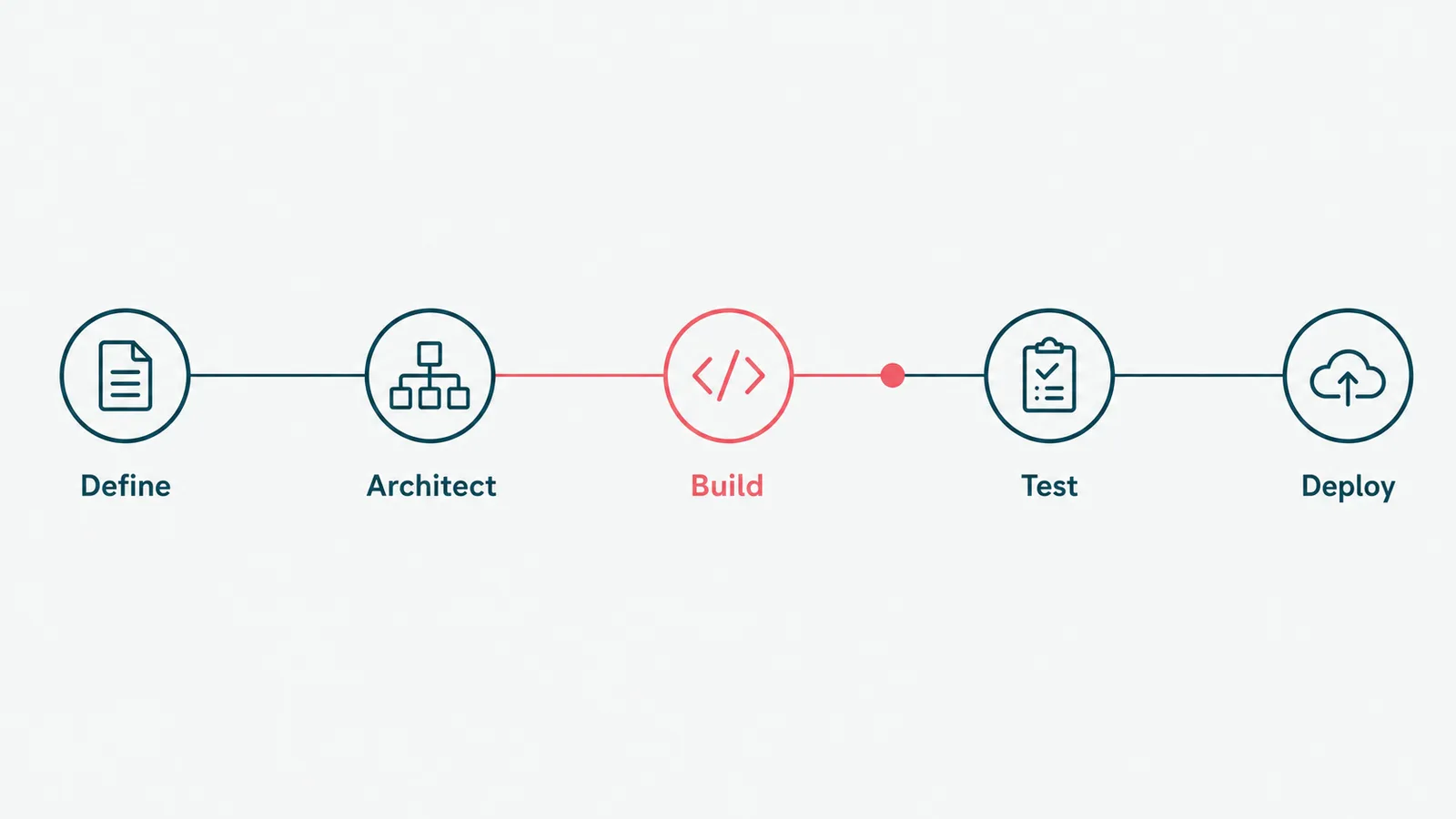
To build an AI agent, you define one job and how you will measure success, choose a model and the tools it can use, ground it in your real data, wrap it in guardrails with a human on the risky steps, then test and deploy it inside the systems your team already uses. An AI agent is software that reasons over an input and takes actions to reach a goal, not just a chatbot that replies. The model is the easy part. Everything around it is the work.
A disclosure: we build AI agents for businesses, so we are not neutral. We are specific, though, and this guide is the real sequence, not the slide version. It covers what an agent actually is, the five build steps, the mistakes that kill them, and the honest call on building it yourself versus bringing in help.
What an AI agent actually is
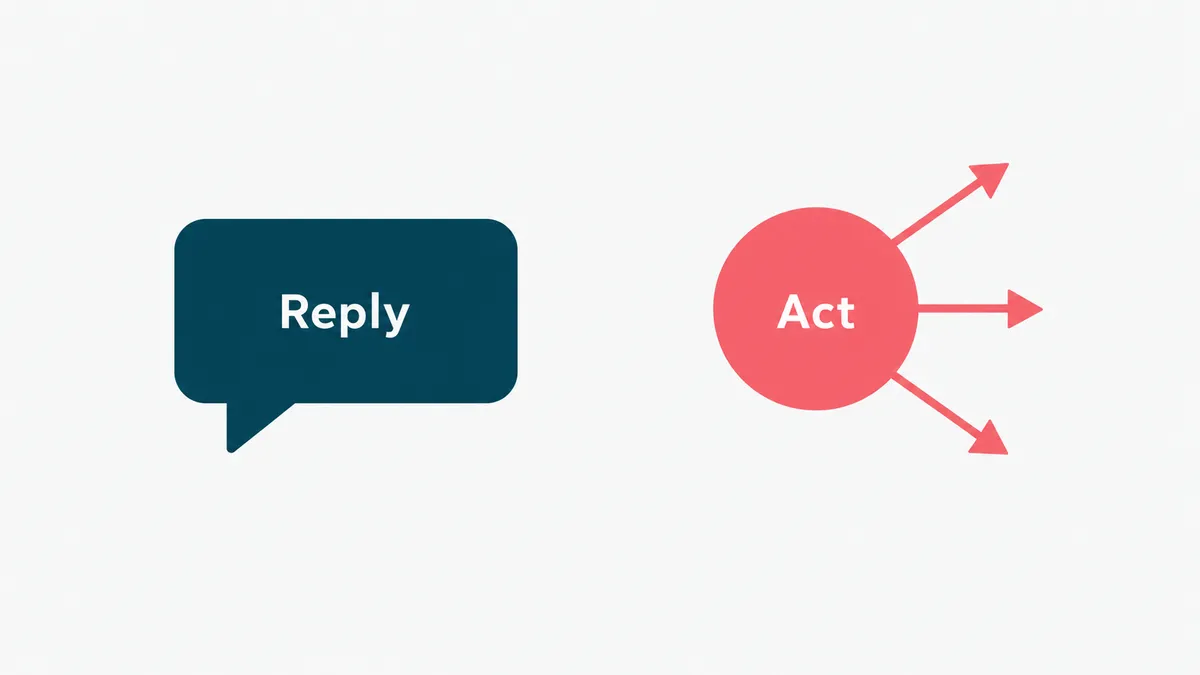
An AI agent is a system that uses a model to decide what to do and then does it, calling tools, reading data, and taking steps toward a goal. The distinction that matters: a chatbot produces text, an agent produces actions. Ask a chatbot about a refund and it explains the policy. Ask an agent and it checks the order, issues the refund, updates the record, and sends the confirmation. IBM has a clean definition if you want the textbook framing.
It also is not the same as classic automation. A fixed workflow runs the same steps every time, which is perfect when the input is predictable. An agent earns its keep where the input varies and the next step depends on what it finds: a support request that could go five ways, a document that is never quite the same twice. Where the path is fixed, use a workflow. Where it branches on judgment, use an agent. Most real systems use both, which is why workflow automation and agents are siblings, not rivals.
One caution worth stating early. Anthropic's own guide to building effective agents makes the point that most problems do not need a fancy autonomous agent at all. The simplest thing that works usually wins. Start there.
Step 1: define the job and how you will measure it
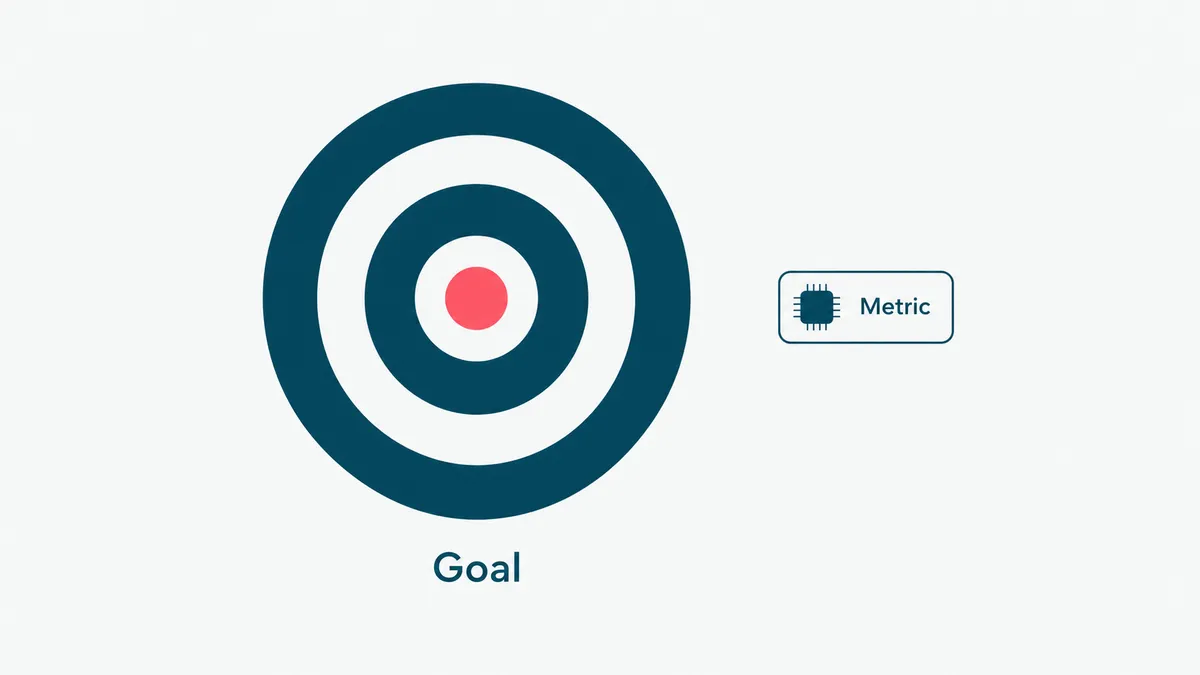
Before you touch a model, write down the one task the agent will do and the number that says it worked. Not "improve support." Something you can check: resolve tier-one refund requests end to end, with under two percent escalation and no wrong refunds. The narrower the job, the better the agent, every time.
The success metric is not optional paperwork. It is the thing that tells you, later, whether to ship or to keep working, and it is the baseline that proves payback to whoever signed the cheque. Pick a job that is high-volume and well-defined, where the agent has room to save real hours and a wrong answer is recoverable. Save the rare, high-stakes, judgment-heavy work for a human, or for much later.
Step 2: choose the architecture
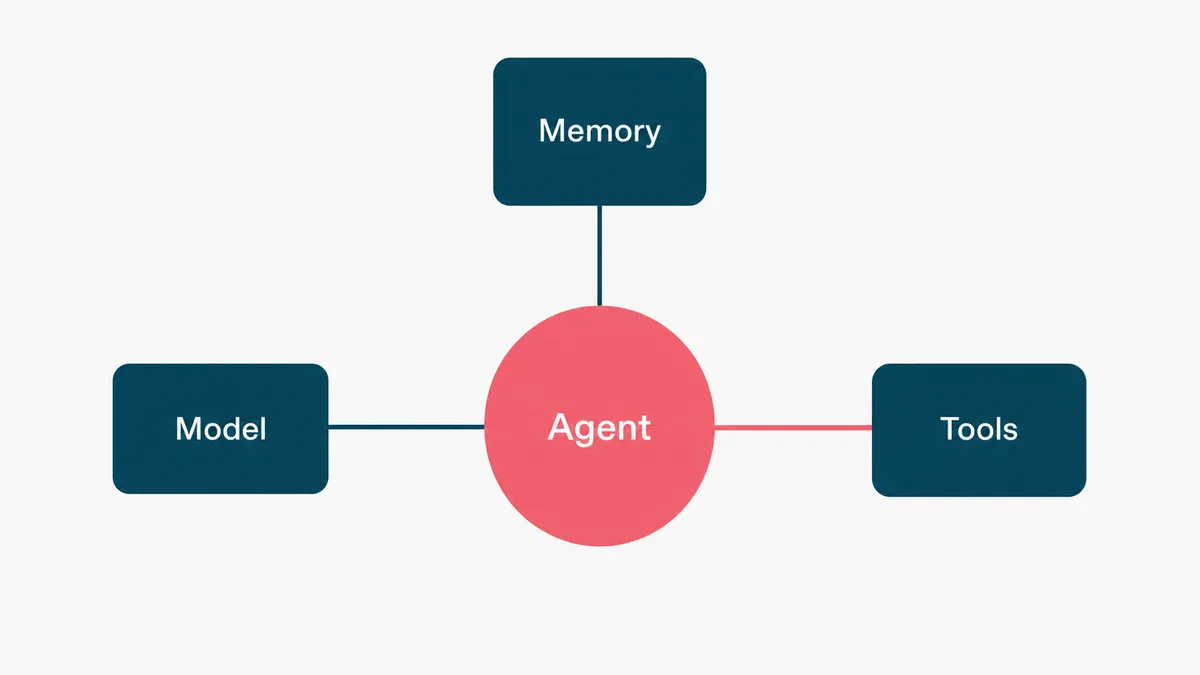
An agent has three moving parts, and you are choosing each one. The model is the reasoning engine; pick the most capable one that meets your latency and cost budget, because a cheaper model that gets it wrong is the expensive option. Memory is what the agent remembers across steps and sessions, from a simple scratchpad to retrieval over your knowledge base. Tools are what it can actually do: the APIs, lookups, and actions it is allowed to call.
The art is in the tools and their boundaries. An agent is only as useful as the actions you give it, and only as safe as the limits you put on them. Give it the ability to read an order and issue a refund, but cap the refund amount and route anything above it to a person. The capability and the guardrail are designed together, not bolted on later.
Step 3: build it, with examples and guardrails
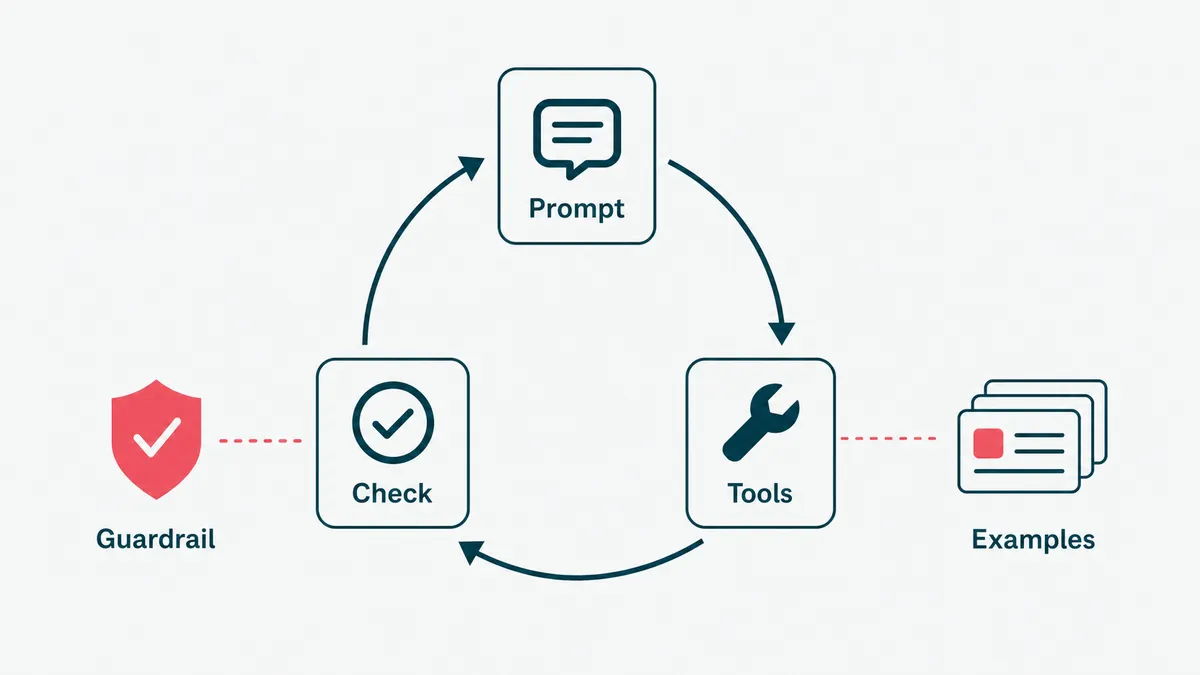
Now you build the loop: the agent reads the input, the model decides, a tool runs, the result feeds back, and it repeats until the job is done or it hands off to a human. The prompting and the tool definitions are the core, and this is where most of the quality lives.
Here is the cheapest accuracy win in the whole project, and the one most teams skip. Going from a bare instruction to a handful of good worked examples, around fifteen, routinely moves an agent from roughly ninety percent right to the ninety-nine percent that survives contact with a real customer. The examples are the product; the prompt is the packaging. We made the longer case for this in context beats the prompt, and it holds for agents even more than for chatbots, because an agent that is wrong does not just say the wrong thing, it does the wrong thing.
Guardrails go in at the same time, not afterward. Confidence thresholds, a human checkpoint on anything risky, scoped permissions on every tool, and a hard stop when the agent is unsure. The NIST AI Risk Management Framework is the sober, free reference for deciding where those checkpoints belong.
Step 4: integrate and test against reality
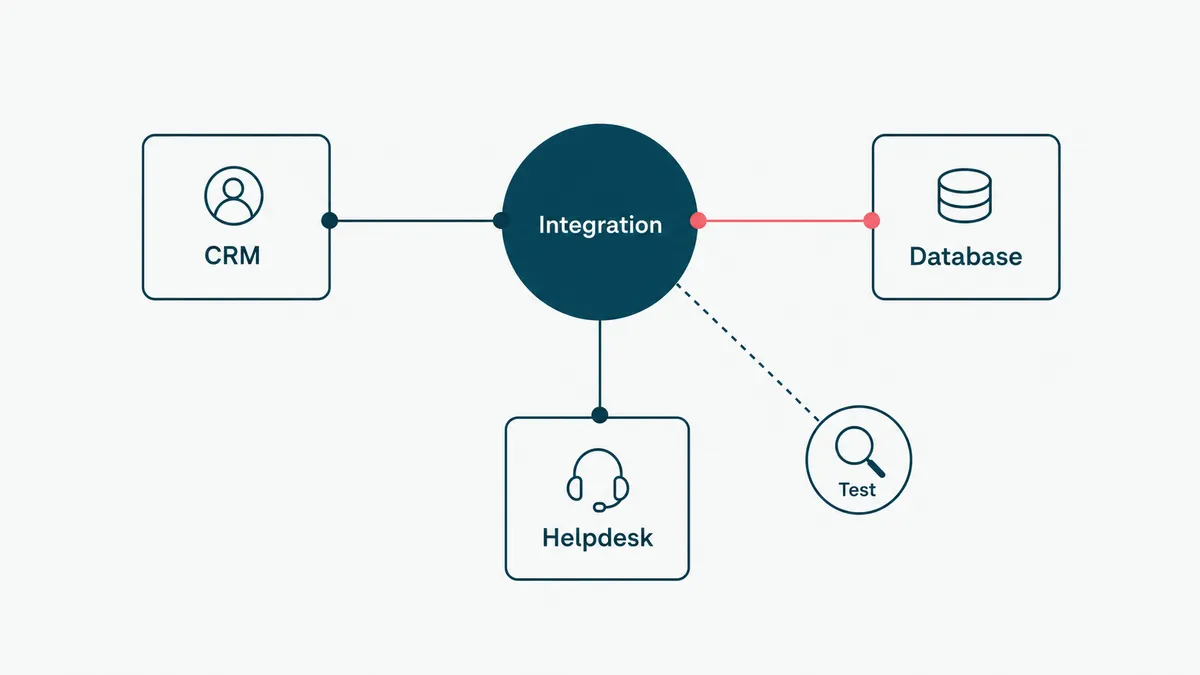
An agent that works on three sample inputs is a demo. To make it real, wire it into the actual systems it will use, your CRM, your database, your help desk, and test it on messy, real-world inputs, including the weird ones. The integration is usually the biggest line item, because the systems an agent must touch were not built with agents in mind.
Test the way production will hurt you. Feed it the malformed input, the half-finished request, the edge case someone swears never happens. Build an evaluation set from real examples and run the agent against it every time you change a prompt or a tool, so you can see whether a tweak helped or quietly broke something. Without evaluation you are not engineering, you are guessing with extra steps.
Step 5: deploy, monitor, and improve
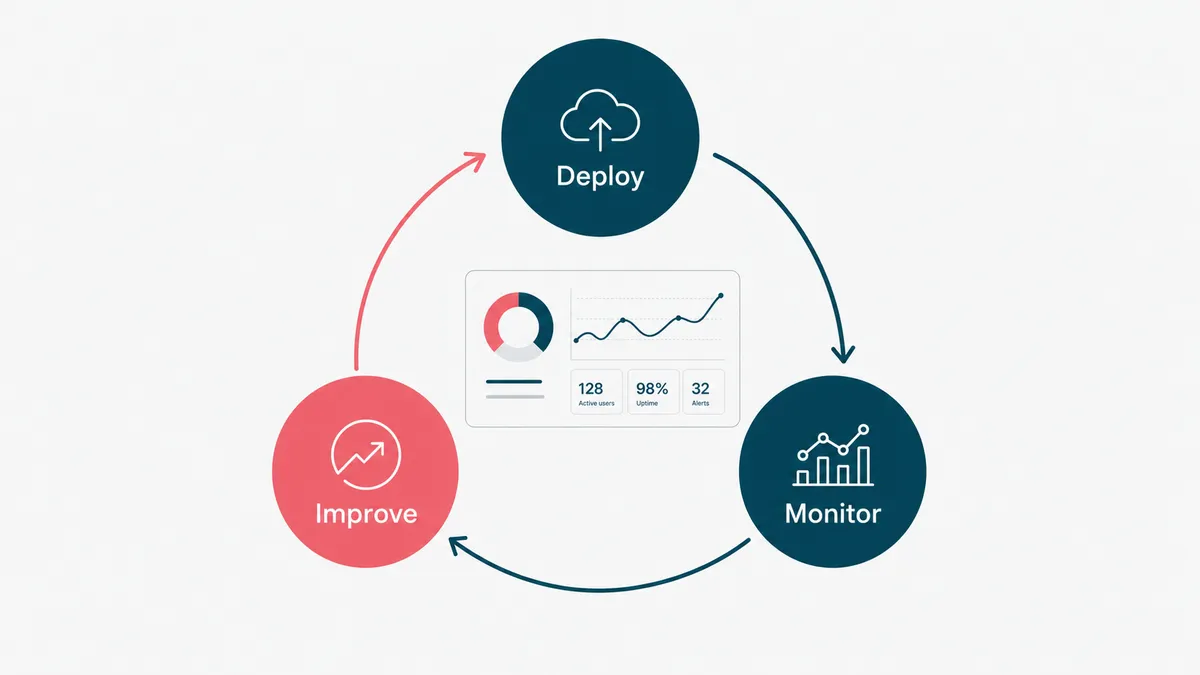
Ship it inside the tool your team already uses, not in a separate portal that adoption forgets exists. Then watch it. Log every action the agent takes so you can replay what happened when something looks off, track the success metric you defined in step one, and keep a person on the low-confidence queue.
An agent is not done at launch; it is born at launch. The first month of real usage will show you inputs you did not imagine and an edge case or two you did not guard. That is not failure, that is the feedback that turns a good agent into a reliable one. Feed those cases back into your examples and your guardrails, and the thing gets steadily better while it runs.
The mistakes that kill AI agents
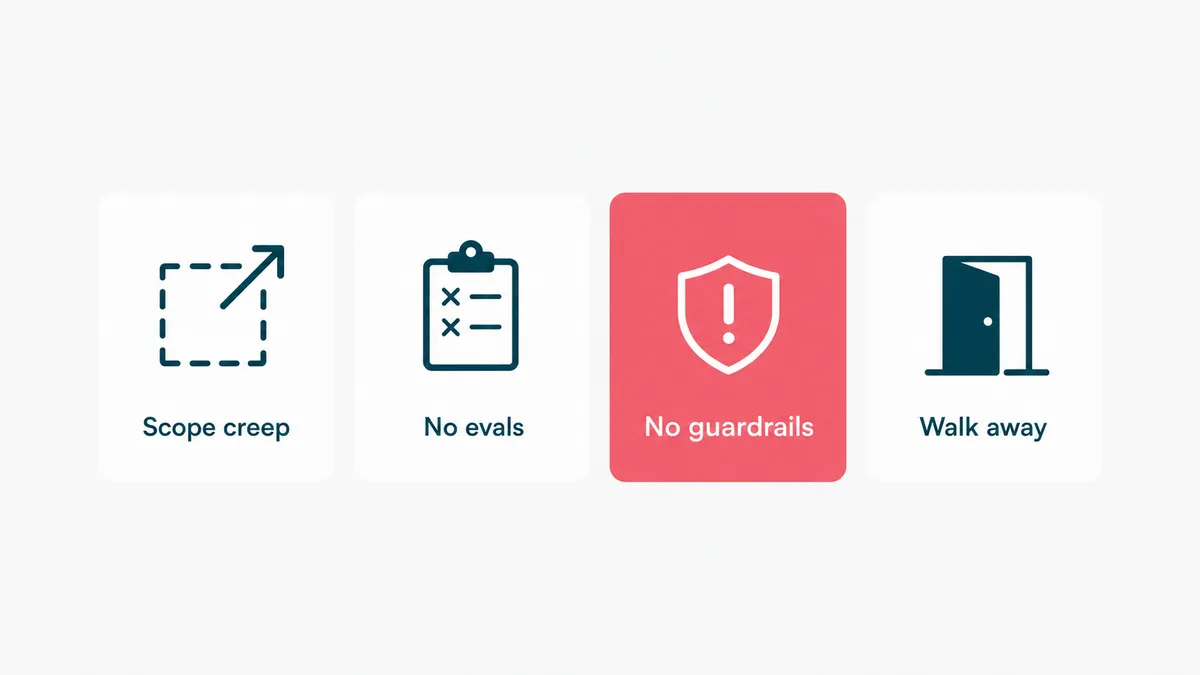
Almost none of them are "the model was not smart enough." The first is scope creep: an agent asked to do five jobs does all five badly, while an agent asked to do one does it well. The second is no evaluation, so nobody can tell whether yesterday's change helped or hurt, and the project drifts on vibes. The third is no guardrails, the unguarded agent that is confident the way an intern is confident and acts on it. The fourth is integration treated as an afterthought, when it is most of the work. And the fifth is launching and walking away, when the first month of usage is exactly when the agent needs its builder.
We have written separately about the broader version of this trap in AI that ships versus AI that demos. The short version: a demo has to work once, and production has to work on a Tuesday with a real customer and a weird input. The discipline between those two is the whole job.
Build it yourself, or bring in help
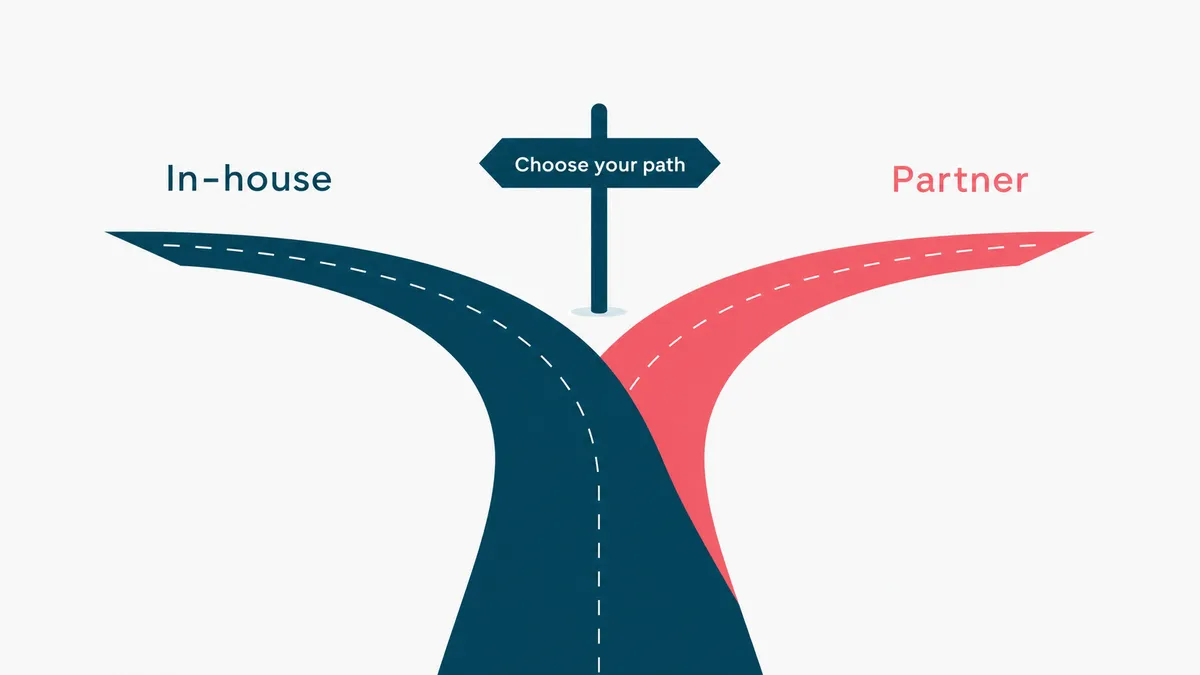
You can build a simple internal agent yourself, and you probably should; it is the best way to learn where the hard parts actually are. A no-code platform and a low-stakes task is a fine place to start, and you will understand your own workflow far better at the end of it.
The calculus changes when the agent touches customers, money, or regulated data. Then the parts that are easy to skip, the evaluation, the access control, the audit trail, the human-in-the-loop on risky steps, become the parts that matter most, and they are real engineering. On a healthcare platform we built, the AI-assisted intake reads a patient's lab PDFs and turns them into plain language a provider uses during the visit. We held it to one test: would a clinician actually rely on it, or is it a demo feature. It passed, and the reason it passed was everything around the model, not the model. That is the work an AI agent development engagement exists to do.
So build the small one to learn. Bring in help when a wrong answer is expensive, because at that point the guardrails are not the boring part, they are the product. Send us the workflow you are thinking of handing to an agent and we will tell you honestly whether it is a weekend project or a real build, and which steps need a human no matter who writes them. Email us. We promise not to let the agent reply for us, at least not until it has passed its evals.