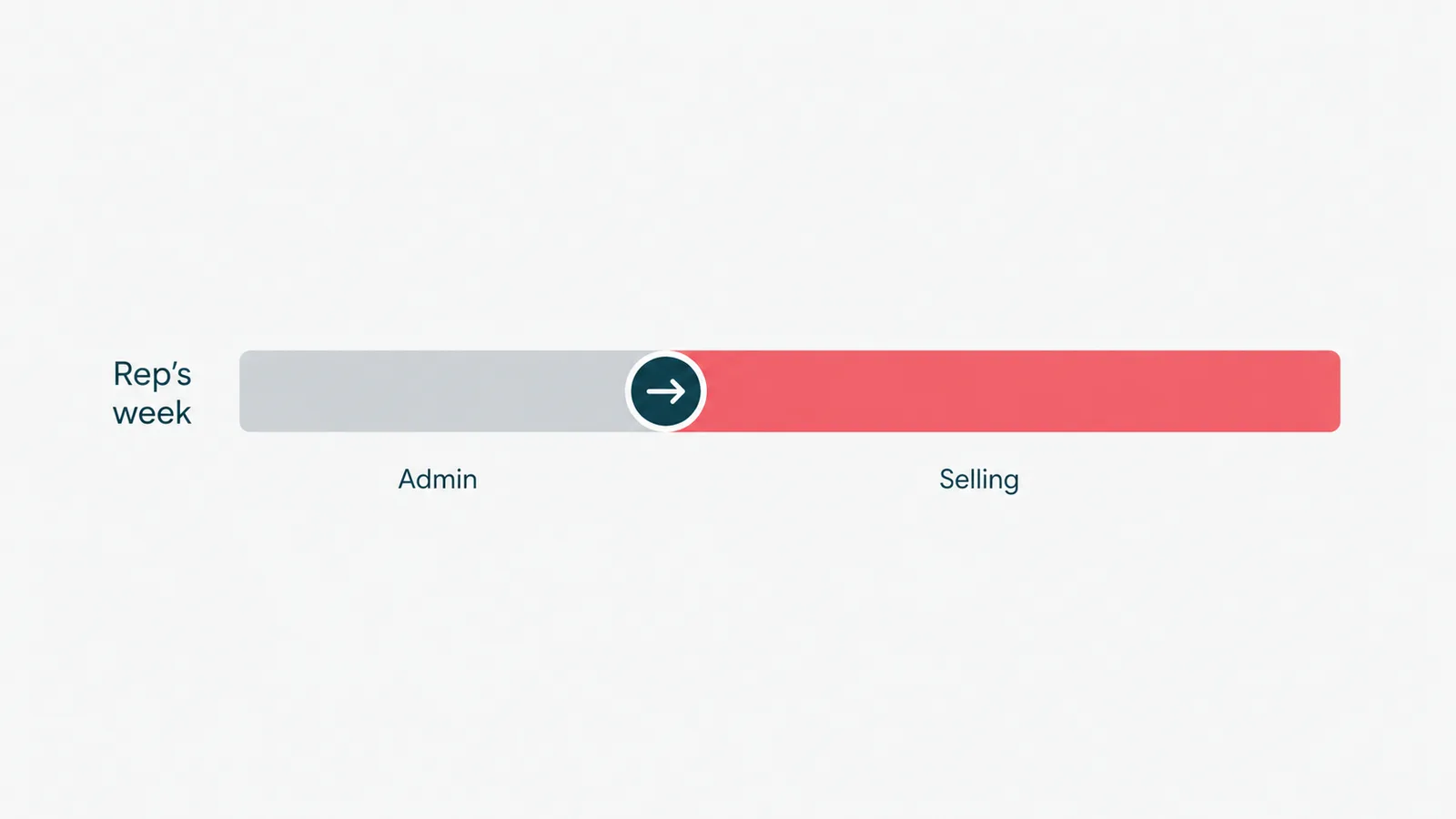
Ask a sales rep how they spent their week and the honest answer is rarely "selling." It is updating the CRM, chasing follow-ups, booking meetings, and writing call notes at 6pm. (Selling was the part they had to fit in between.) Sales automation is how you give that week back.
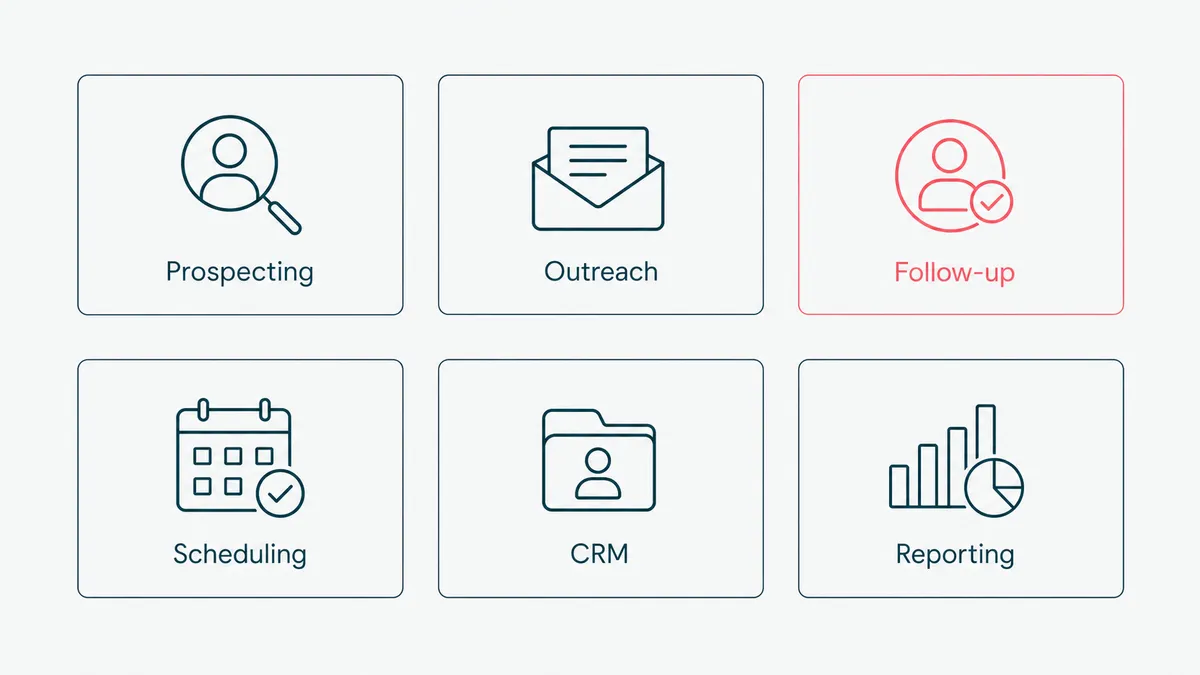
Sales automation is the use of software to handle the repetitive, non-selling parts of a sales rep's job: outreach, follow-ups, scheduling, CRM updates, and reporting. It does the admin that eats a rep's time without needing their judgment, so they can spend their hours on conversations and closing. Done well, it does not replace the salesperson; it deletes the busywork standing in their way. The skill is knowing which parts are busywork and which are the actual job.
A disclosure: we build sales automation for B2B teams, so we are not a neutral party. We are specific, though. This guide covers what sales automation is, what you can and should automate, the benefits, how AI is changing it, and the honest case for when to leave your process alone.
What sales automation is, and what it is not
Sales automation hands the routine, rules-based parts of selling to software. IBM has a clean definition if you want the textbook version, but the short one is this: anything a rep does the same way every time is a candidate, and anything that needs their judgment is not.
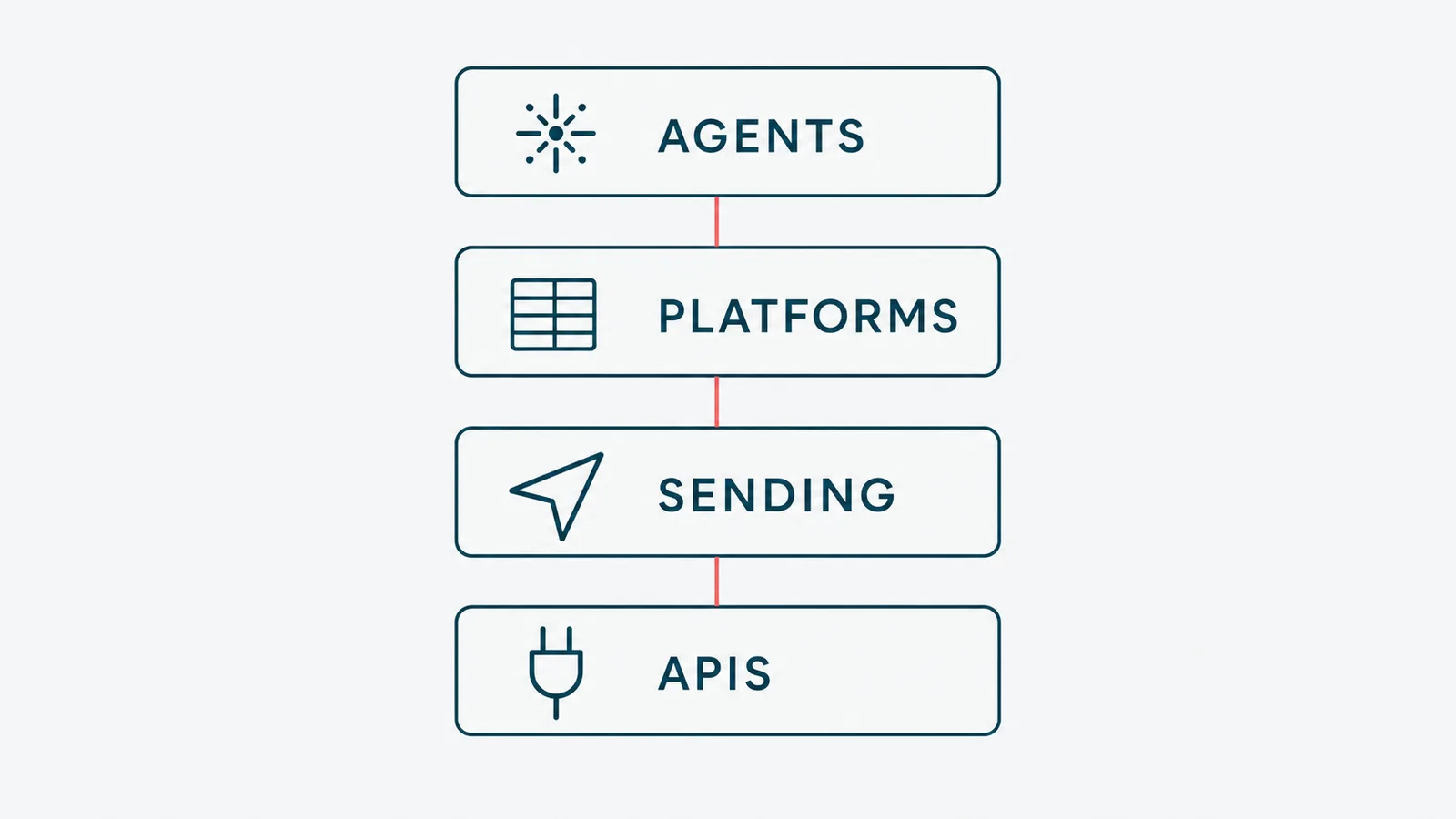
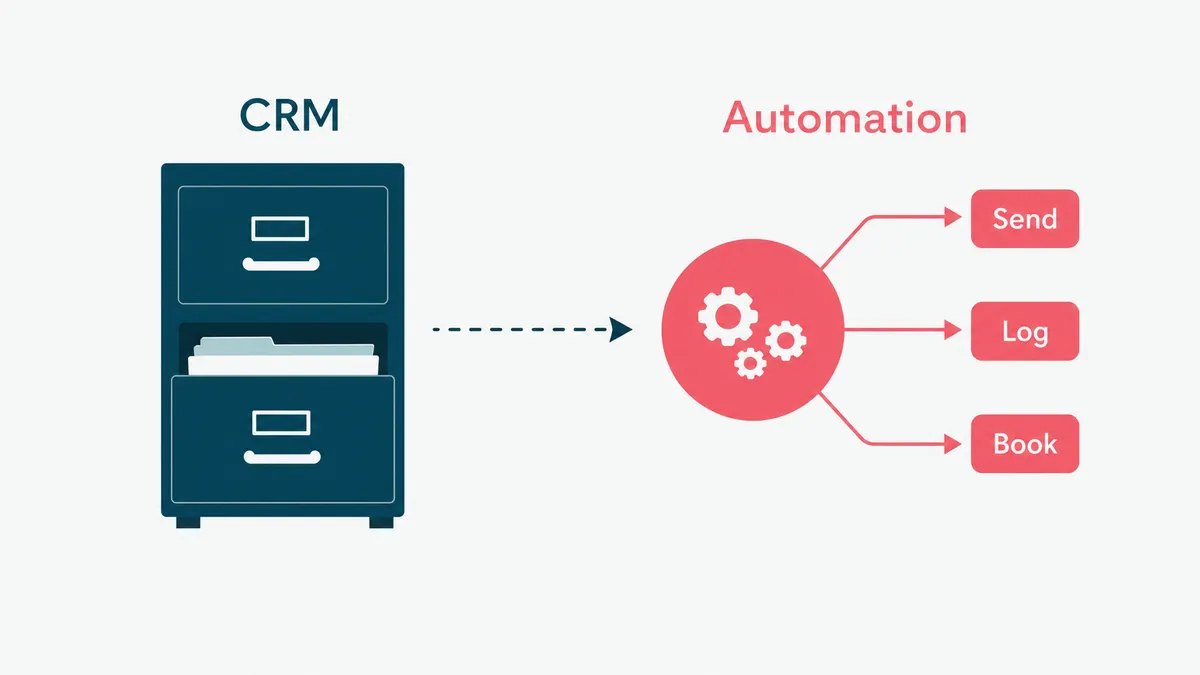
It is not a CRM, though it lives on top of one. A CRM is the filing cabinet; sales automation is the assistant who actually files. It is also not a robot that closes deals while your reps watch. The moment automation tries to do the human part, the discovery call, the negotiation, the read on whether a buyer is serious, it stops helping and starts embarrassing you. The line is simple: automate the work around the conversation, never the conversation. Our sales automation software work is built entirely on that line.
What you can automate in the sales process
Most of a sales week is made of tasks that do not need a human, they just currently have one. These are the parts worth automating:
- Prospecting and list-building, finding and verifying the right contacts instead of copying them by hand.
- Outreach sequences, sending personalized first touches and the follow-ups that come after.
- Follow-up cadences, so a warm lead never goes cold because a rep got busy.
- Meeting scheduling, the back-and-forth that a booking link kills in one step.
- CRM updates and call logging, captured automatically instead of typed in after dinner.
- Pipeline reporting, pulled from the data rather than rebuilt in a spreadsheet every Monday.
What stays human is the judgment: the discovery, the negotiation, the call on whether a deal is real. Automate the list around it, not the relationship inside it.
What it looks like in practice
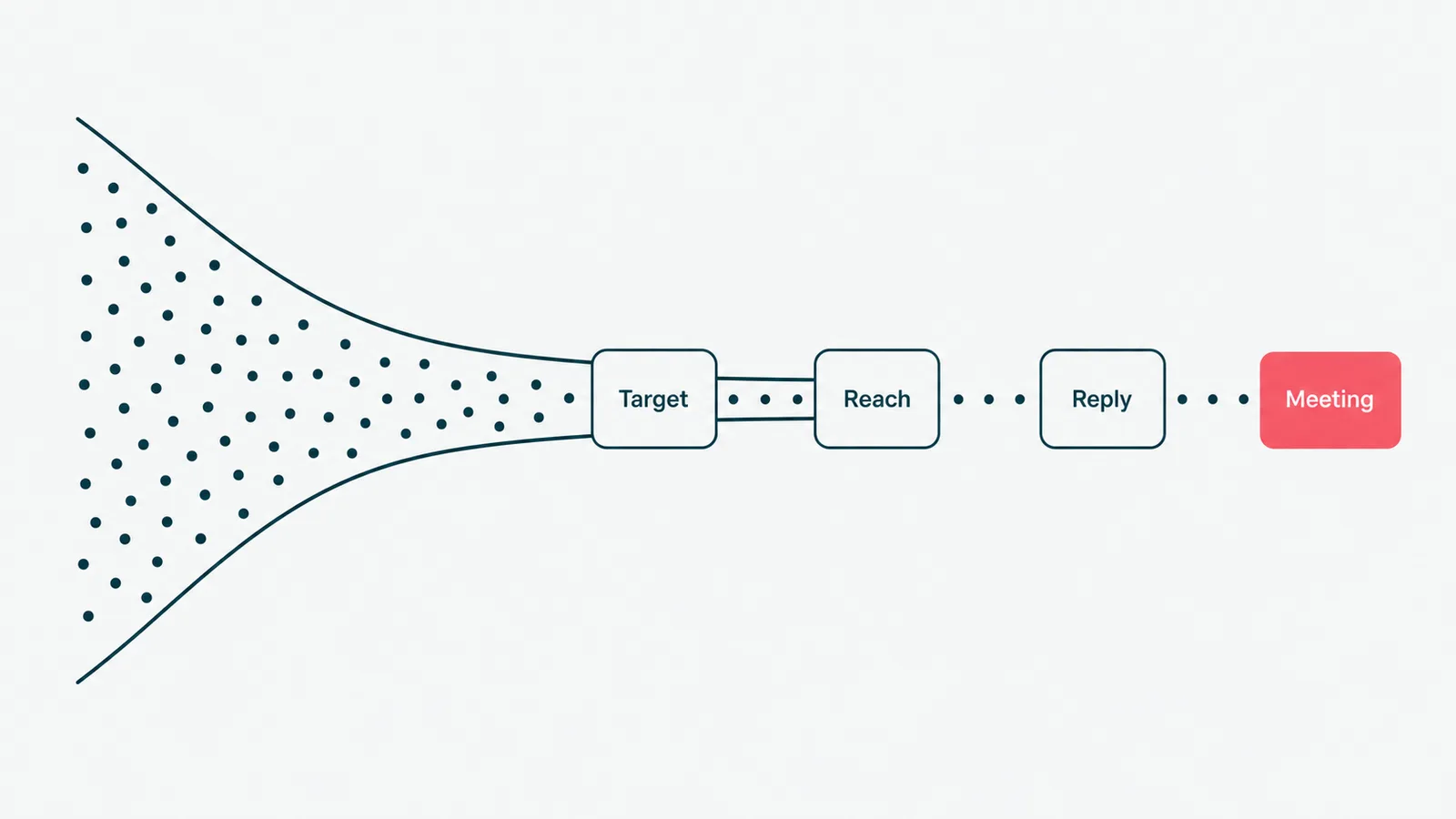
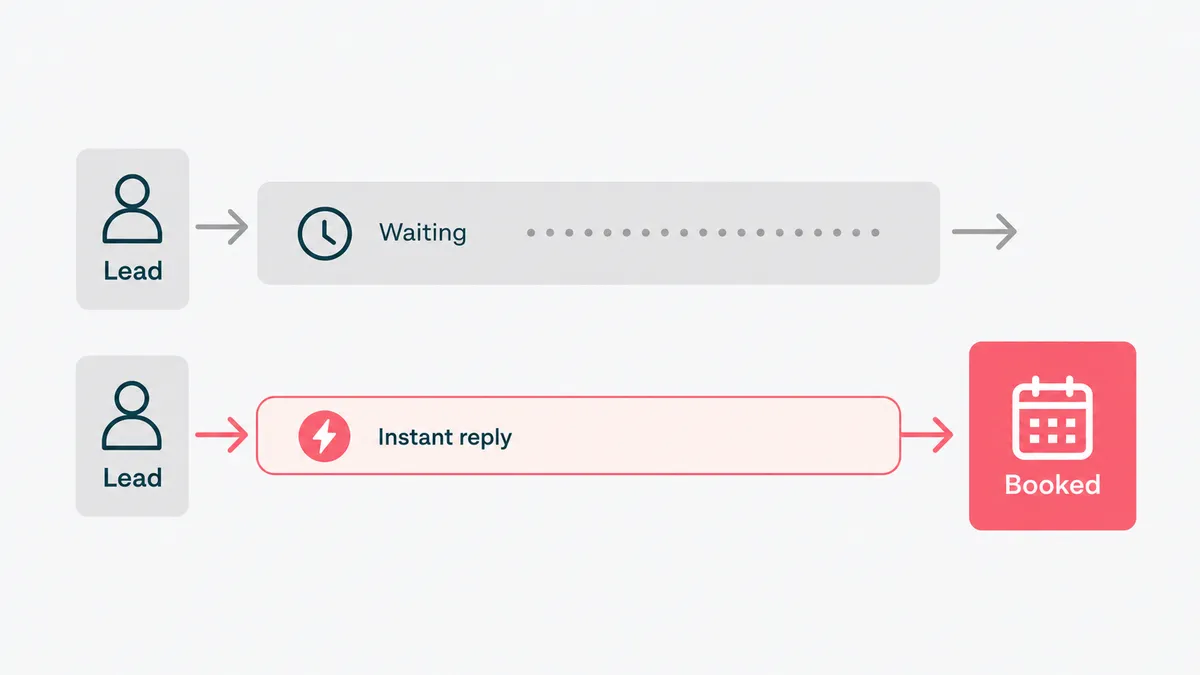
A concrete before-and-after makes it click. Before automation, a lead fills in a form, waits a day for a rep to notice, gets a reply when someone has time, and slowly slips down the list while the rep updates the CRM by hand. After automation, the lead gets an instant, relevant first response, a follow-up sequence runs on its own, the meeting books itself, and every step lands in the CRM without anyone typing it.
The benefits follow directly. Reps get hours back for the work only they can do. Follow-ups stop falling through the cracks, which is where most lost pipeline actually goes. The CRM stays current, so your forecast is based on today's reality instead of last week's. And leads get a faster first response, which on its own often decides who wins, because the first useful reply tends to take the meeting. The common thread is consistency: software runs the routine the same way every time, so nothing depends on a rep remembering on a bad day.
How AI is changing sales automation
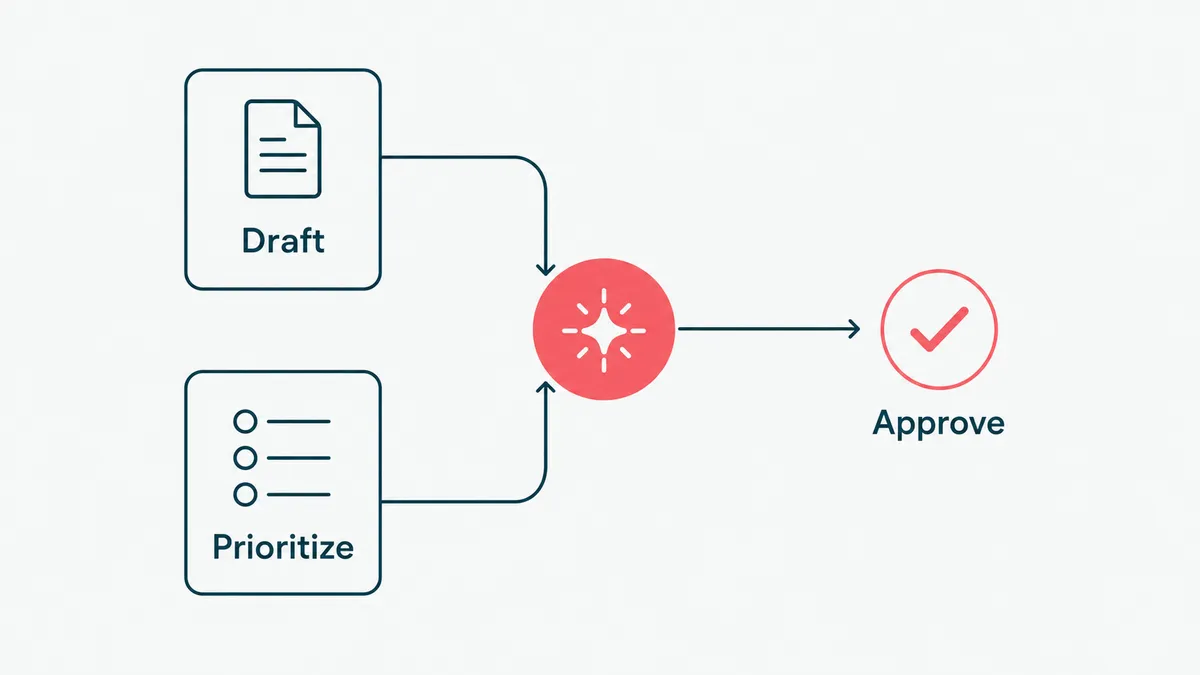
Classic sales automation follows fixed rules: if a lead does this, send that. AI adds a layer that handles the parts rules cannot, the messy, written, context-heavy work that used to need a person.
In practice that means drafting outreach from real account context instead of a mail-merge, summarizing a call into notes and next steps, prioritizing which leads are actually worth a rep's time, and prepping a one-page brief before a meeting. The honest version keeps a human on anything risky: the AI drafts and a rep approves whatever carries weight, so nothing strange goes out under your name. That is the exact pattern behind our AI sales assistant work, and the reason it is useful instead of alarming. If your outreach is the part you want to sharpen first, we wrote a companion guide on outbound lead generation strategies, and the rules in the FTC's CAN-SPAM guidance still apply no matter who, or what, drafts the email.
How to get started
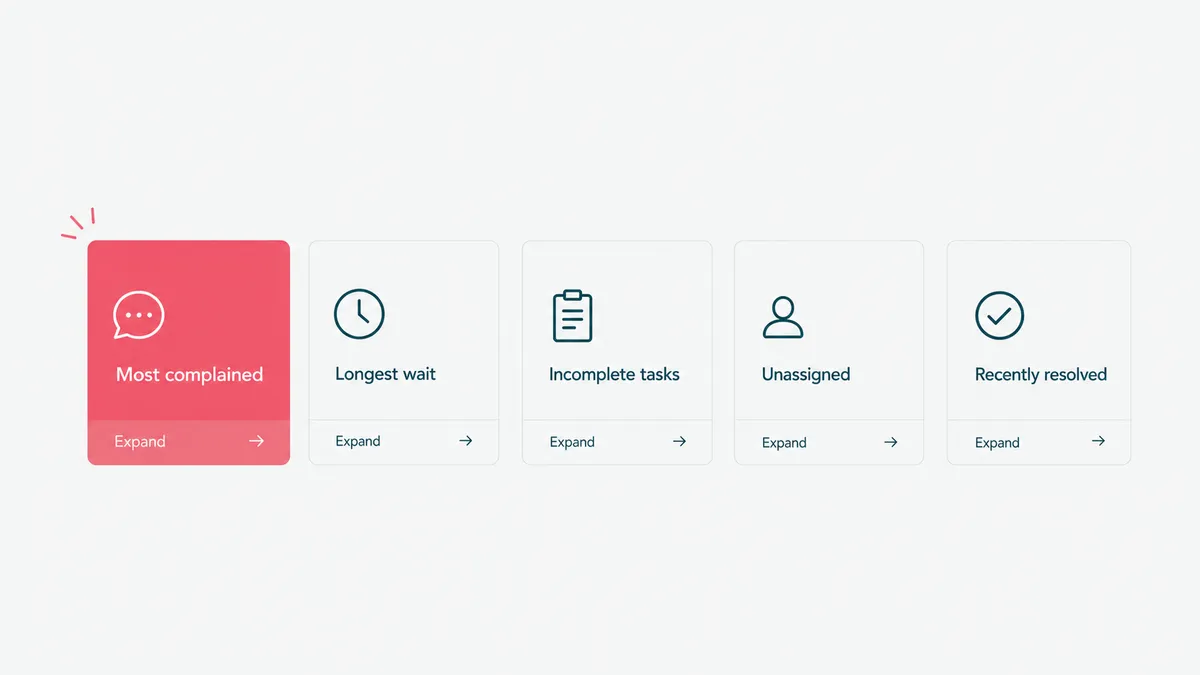
You do not automate the whole sales motion at once. You pick the task your reps complain about most, usually follow-ups or CRM data entry, and automate that first. Prove it saves real hours, then expand to the next one. Let the first win fund the second.
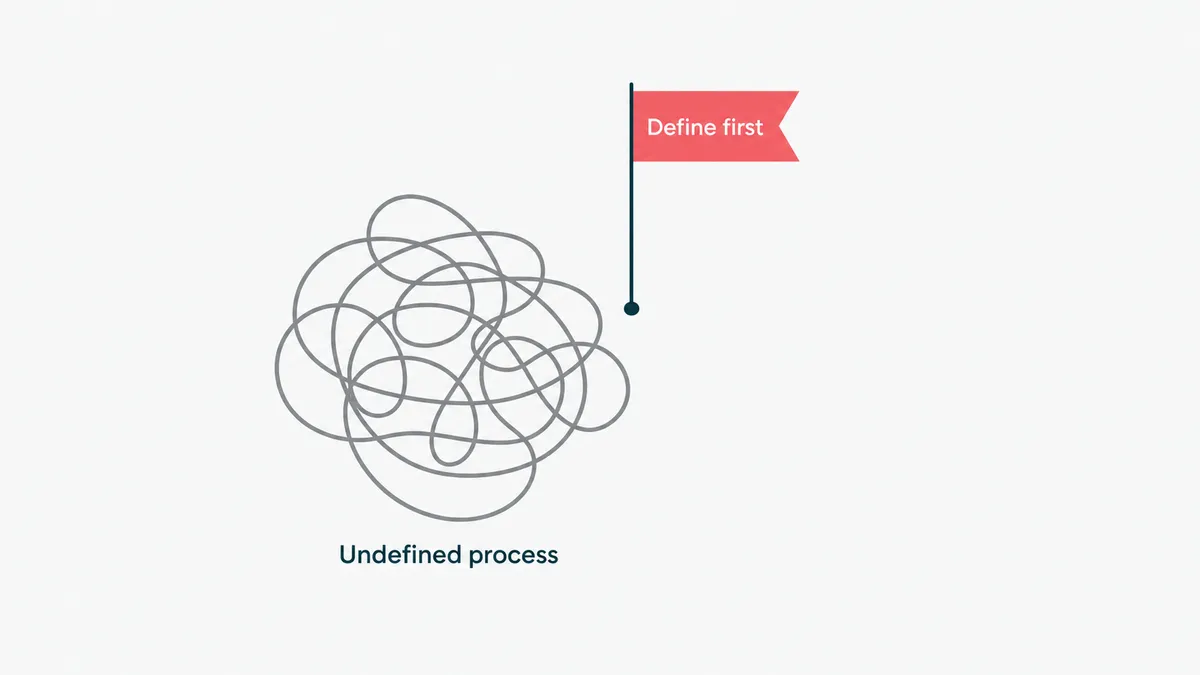
Two conditions decide whether it works. Your sales process has to be defined, because automation freezes whatever shape the process is in, and your CRM data has to be reasonably clean, because automation acts on that data at speed. Sort those first and the rollout is smooth. Skip them and you have automated a mess, which only means the mess now moves faster, with a dashboard.
When not to automate your sales
The fastest way to waste money here is to automate a sales process you have not figured out yet. If your motion changes every week, or your CRM is a graveyard of half-filled records, automation will just lock in the chaos and run it at scale. Define the process and clean the data first. That is not us turning down work; it is the order that actually pays back.
We hold ourselves to the same standard. When a client's real usage said their build should get smaller, we made it smaller: fewer people, kept the parts that mattered, and tied any re-expansion to a real number instead of hope. The invoice shrank and the relationship did not, because honest scoping is worth more than a bigger bill. Top Rated and a 100 percent Job Success Score on Upwork, earned one delivery at a time, came from exactly that habit.
So before you automate your sales, ask whether the process underneath is one you would be happy to run faster and at scale. If yes, automation is one of the highest-return moves you can make. If not, fix the process first, then call us. Send us the part of your sales week that feels like data entry and we will tell you what is worth automating and what is fine as it is. Email us. We will even reply before your CRM finishes syncing.