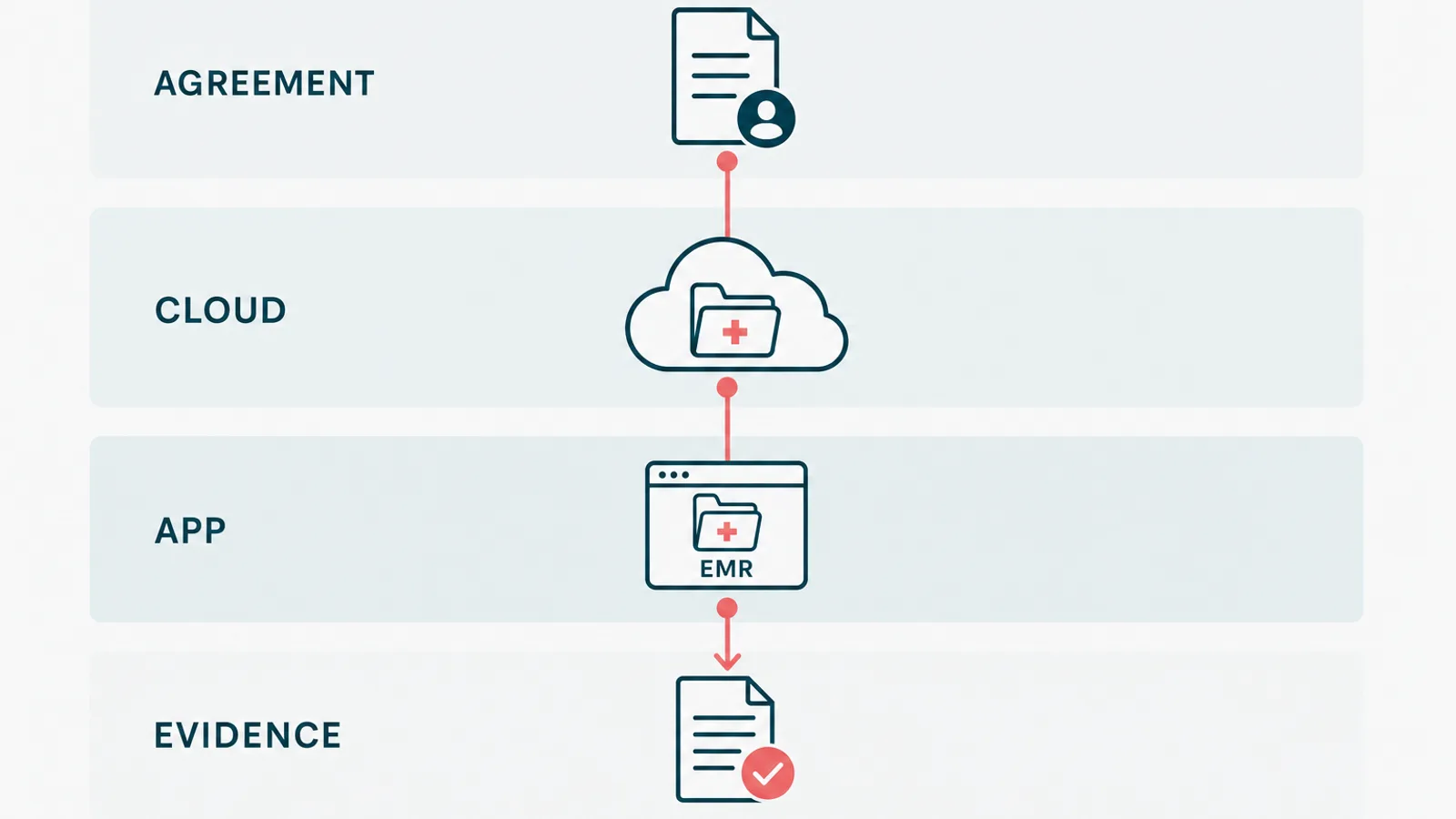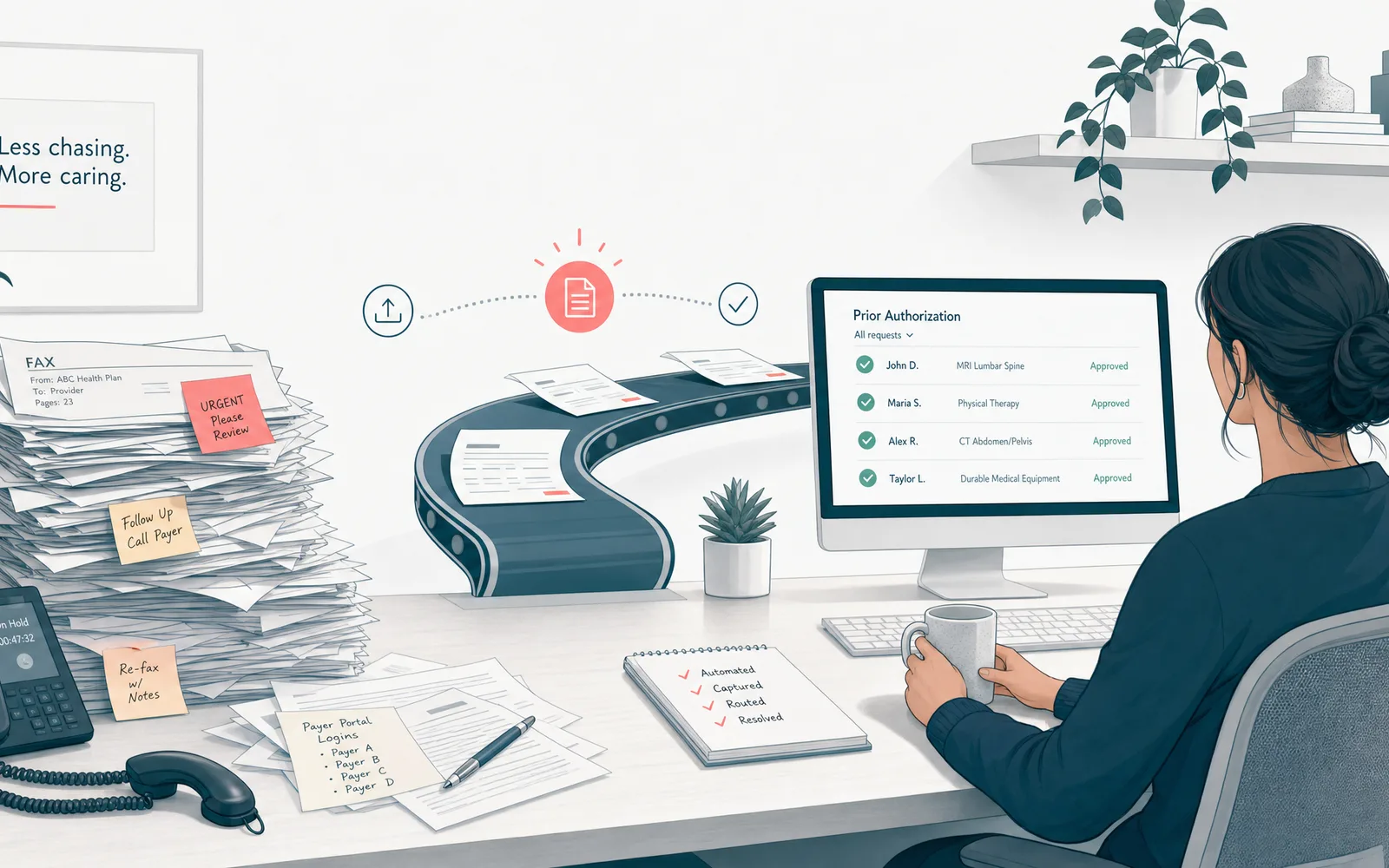
Clinical workflow automation is the use of software to handle the repetitive, rules-based tasks around patient care, like documentation, scheduling, intake, eligibility checks, and moving data between systems, so clinicians spend less time on a keyboard and more time with patients. It automates the paperwork, not the medicine. The diagnosis stays with the human who trained for years to make it.
That is the whole idea. The rest of this guide is the part nobody films for the launch video: which workflows to automate first, where AI earns its place, why most of these projects quietly fail, how to keep the whole thing compliant, and when to leave a process alone.
One disclosure first. I run a software team that builds this kind of thing, including a HIPAA-aligned EMR and patient portal. So I am not a neutral party here. I will still tell you which parts not to automate, because that is the advice that ages well, and because the fastest way to lose a clinician is to sell them a robot they did not need.
Why clinical workflow automation matters now
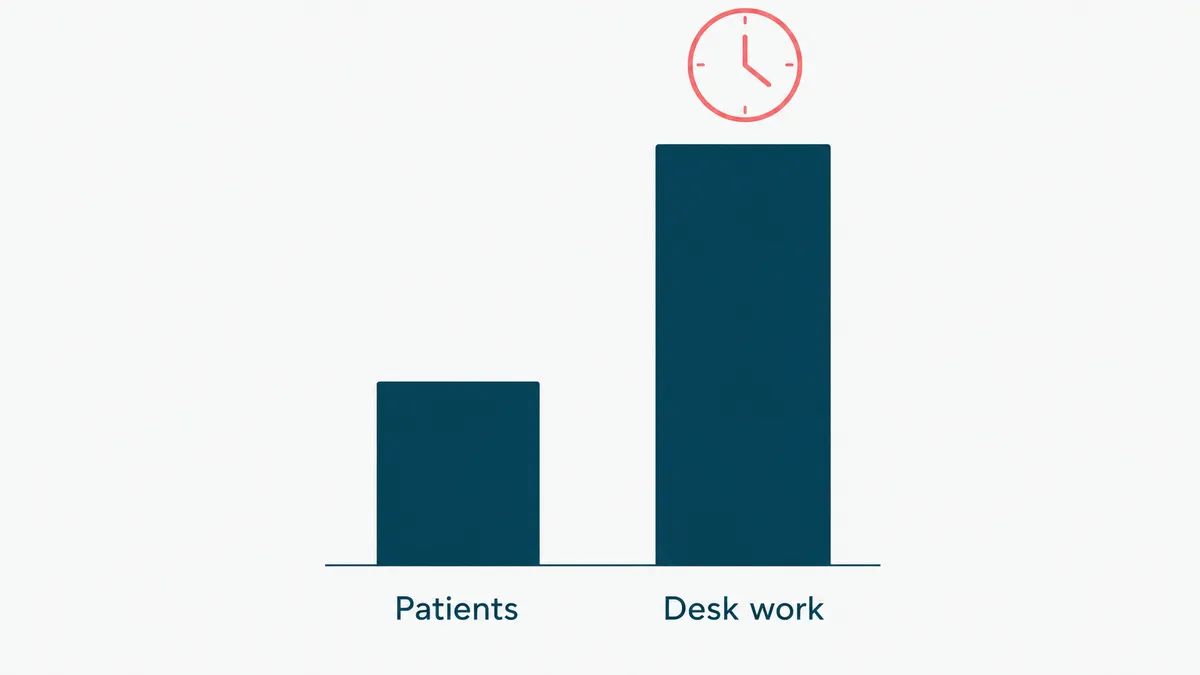
The math is grim. For every hour a doctor spends with patients, a widely cited 2016 study clocked nearly two more hours on the EHR and desk work. The same line of research found family physicians take another 86 minutes of what gets politely called "pajama time," finishing notes after the house has gone quiet. The computer followed them home, and it does not knock.
Now stack on the parts you already feel. A clinician shortage that is not improving. Patient volume that is. And burnout doing the quiet damage in between, because nobody went to medical school to fight a dropdown menu.
The cost is not only human, either. Burned-out clinicians leave, and replacing one is brutally expensive. Errors creep into rushed documentation. Slow intake and sloppy billing leak revenue a few dollars at a time. The admin load shows up on the income statement whether or not anyone writes it down there.
This is why clinical workflow automation stopped being a nice-to-have. The goal is not a flashy AI that plays doctor. It is giving trained people their attention back by taking the rote data shuffling off their plate. It is the clinical edge of robotic process automation in healthcare: the same automation discipline, aimed at care instead of the back office. Get that right and everything downstream, from patient satisfaction to claim accuracy, gets a little easier. Get it wrong and you have added another login to a day that already has too many.
Where clinical workflow automation pays off first
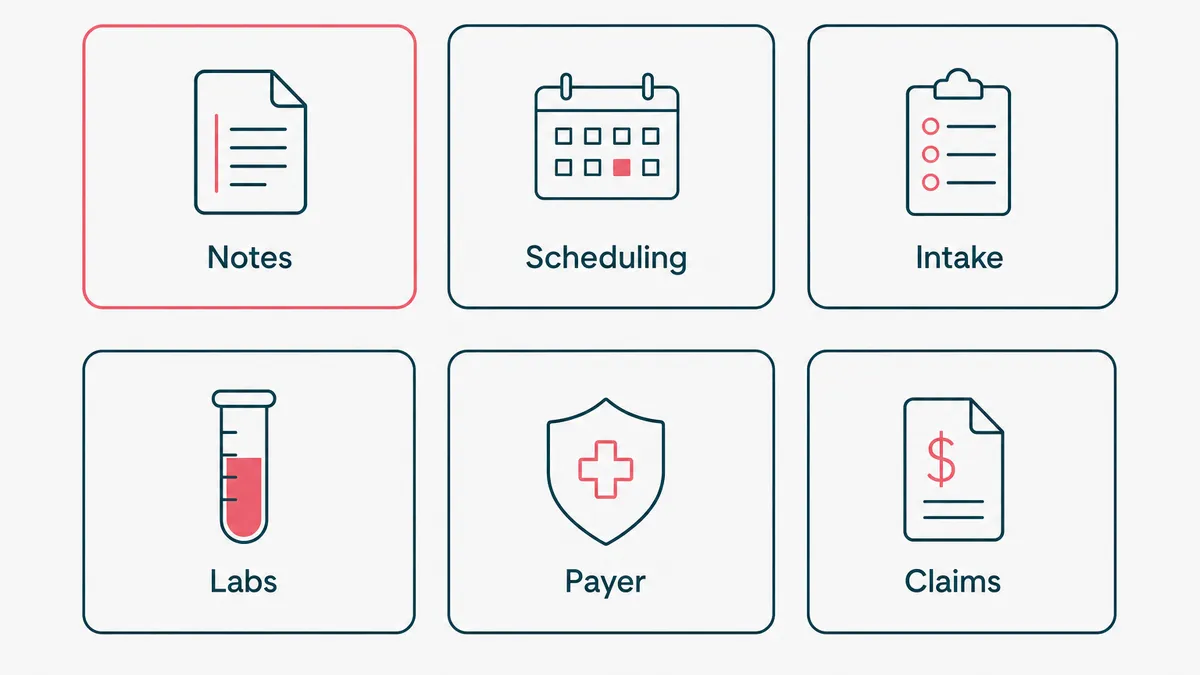
Start where the work is high-volume, low-judgment, and repeats the same way every time. That is where automation earns back its cost fastest, and where a mistake is cheap to catch. The best solutions for automating front-office tasks in medical practices almost always begin with this short list:
- Clinical documentation, drafted by ambient tools for a clinician to edit and sign. The biggest time sink, so it is usually the first win.
- Scheduling and reminders that cut no-shows, no front-desk phone tag required.
- Digital intake and real-time eligibility checks, so the same details are not keyed in three times.
- Lab results routed to the right inbox by priority, not left in a queue until someone goes looking.
- Payer data exchange, automated instead of exported by hand. The unglamorous handoff where claims go to die.
- Revenue cycle: claim scrubbing, denial triage, draft appeals. The boring half of billing automates well because the rules rarely change.
How do you choose among them? Multiply three numbers: how often the task happens, how long it takes each time, and how badly it hurts when it goes wrong. Documentation usually wins because it scores high on all three. A task that is frequent but harmless can wait. A task that is rare but catastrophic, like a missed critical lab result, is worth automating the alert for even when the volume is low.
Notice what is not on that list: diagnosis, treatment decisions, anything that needs a clinician's read of a specific patient. Those are not workflows. They are the job.
Where AI fits, and where it does not
Most "automation" in a clinic is plain rules: if this, then that. No model required, and that is completely fine. AI earns its place in the parts that are too messy for rules, like turning a free-form conversation into a structured note, or reading a stack of lab PDFs and pulling out what matters.
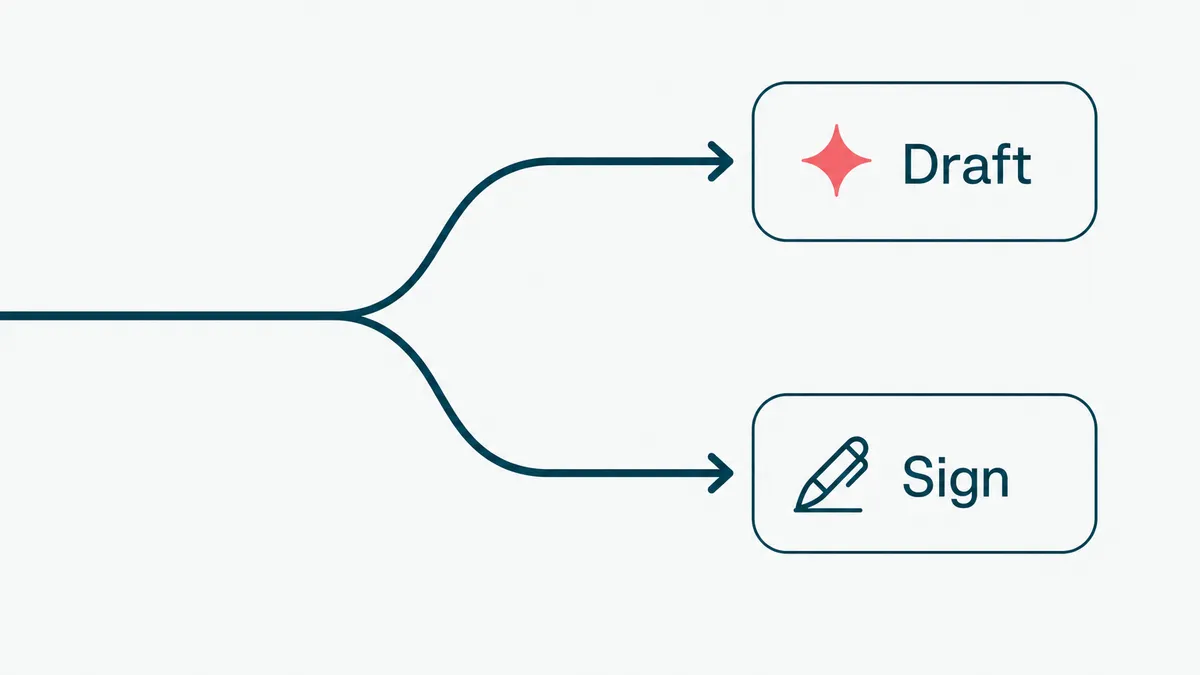
Here is the distinction that keeps you out of trouble. Deterministic automation does the same thing every time, and you can audit it. Agentic AI makes choices, which is powerful and is exactly why it needs a leash. The rule we use is simple: the model drafts, a human signs. The stakes stay where they belong.
On a healthcare wellness platform we built AI-assisted intake. It reads a patient's lab PDFs, pulls out the values, and turns them into plain language a provider can use during the call, instead of jargon that scares the patient. We held it to one test. Would a provider actually open it, or is it a demo feature. It passed, which is a higher bar than it sounds.
The thing that made it work was not a clever prompt. It was the examples. Going from zero to a handful of good ones, around fifteen, did more for accuracy than any wording we tried. That is what moves an AI feature from roughly ninety percent, which is a liability in a clinic, to the ninety-nine percent you can put in front of a patient. What you show the model matters more than how you phrase the request. The demo gets you to ninety. The last nine points are the whole job, and they do not demo well.
Buy, build, or wire it together
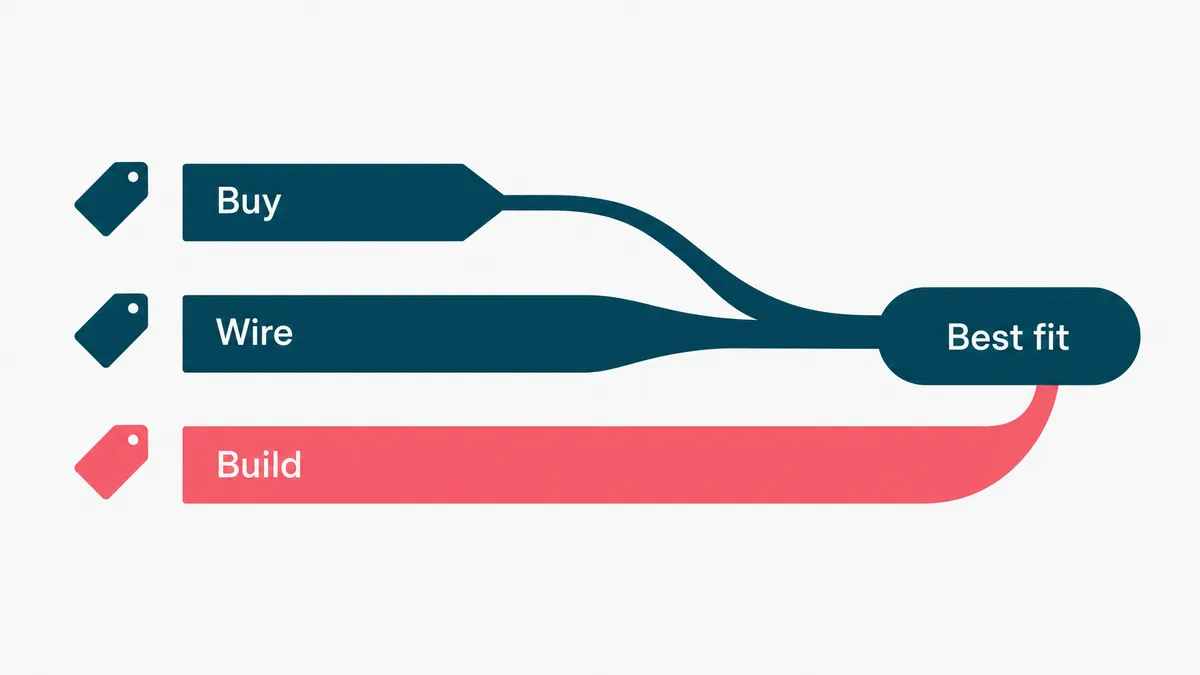
Three routes to healthcare workflow automation, and most practices need two of them.
Buying a point tool is fastest. Documentation, scheduling, eligibility, reminders: these are solved categories with real products behind them. Building your own version of a solved category is a hobby with a maintenance bill.
Wiring tools together with a no-code platform covers the gaps between them. Cheap, quick, and it moves a record from one system to another without a project plan. It also breaks quietly, and the person who built it tends to leave. Keep it away from anything where a silent retry could drop a lab result.
Building is for the workflow that is actually yours. The multi-department case no vendor models, the intake logic specific to your specialty, the integration your EHR does not expose. That is where custom pays, and mostly nowhere else.
| Route | Typical cost | Time to live | Where it fits |
|---|---|---|---|
| Buy a point tool | $50 to $500 per clinician per month | Days | Documentation, scheduling, eligibility, reminders |
| No-code platform | $50 to $1,500 a month, plus build time | 2 to 6 weeks | Handoffs between systems, internal ops |
| Custom build | $30k to $150k, then maintenance | 8 to 20 weeks | Specialty logic, EHR integration, anything auditable |
The pattern we see most often: buy the documentation tool, wire the boring handoffs, build the one workflow that is your actual business. Practices that try to build all three run out of budget before the third one ships.
On hospital workflow automation software the sticker is rarely the real number. Enterprise deals get quoted per bed or per provider, and in year one the integration and the change management usually cost more than the license. Budget for both, or you will be renegotiating in month four.
Four questions that sort the good software from the demo:
- Does it write back to your EHR, or only read from it? Read-only tools quietly create a second place staff have to check.
- What happens when a step fails? Silent retries are how a result goes missing.
- Where does PHI travel, and who are the subprocessors? Get the answer in writing.
- Can you export your data and leave? If not, the renewal price is whatever they decide.
Why most healthcare automation fails
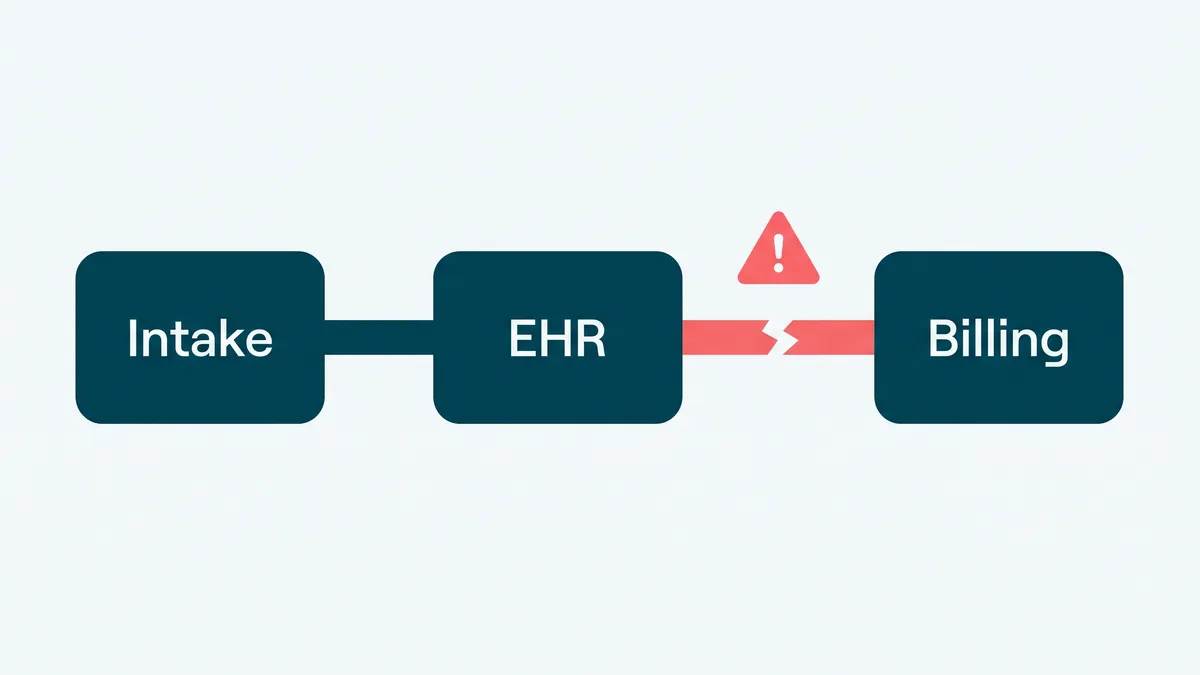
It is rarely the technology. It is the seams. Three failure modes show up again and again.
First, the EHR. Most automation tools for EHR tasks promise to "streamline your workflow," which is vendor for "we would rather not say what it does." If a tool cannot read and write your EHR cleanly, you have not removed the manual step. You have moved it and added a copy-paste. Integration is the project, not a footnote to it. Treat anything that hand-waves past it with suspicion.
Second, brittle point tools. A practice ends up with one app for reminders, another for intake, a third for faxes (yes, still faxes), none of them talking to each other. Now a multi-department case is four systems and three handoffs, each one a place to drop the ball. AI workflow tools to streamline multi-department healthcare cases only help if they carry context across those boundaries, so nobody asks the patient for their date of birth a fourth time.
Third, no measurement and no adoption plan. Teams switch on an automation and never check whether it actually got better, or they roll it out with no training and watch staff quietly route around it. Software you cannot measure is a rumor, and a tool nobody adopts is shelfware with a subscription. The fix for both is boring: baseline the task first, then prove the change moved the number.
Keep it compliant: audit trails, PHI, and the boring correctness
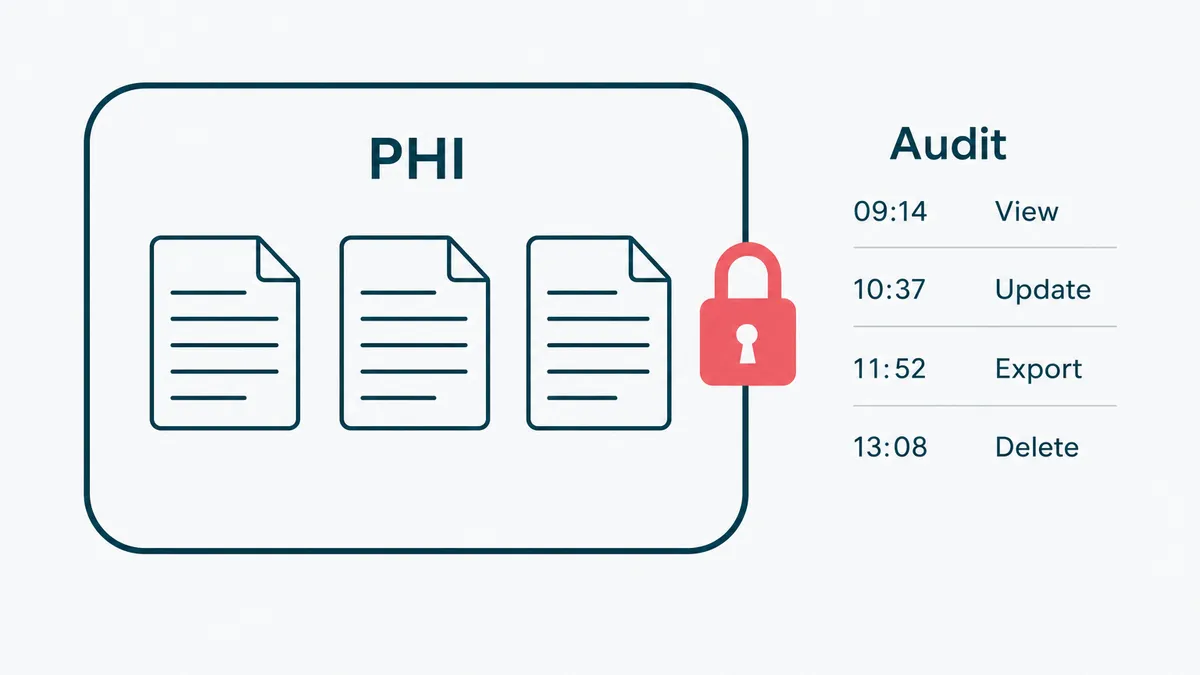
This is the section the shiny demos skip, and the one that decides whether you can actually ship. In healthcare the boring correctness is the job. You are automating around protected health information, so HIPAA is not a checkbox at the end. It is the design.
A few non-negotiables, learned the unglamorous way building regulated software:
- An audit trail on every automated action: who or what did it, when, and to which record. If the log cannot prove it, assume it did not happen.
- Least privilege, so an automation sees only the data it needs. The reminder bot does not need the full chart.
- A human on the signature. The system drafts, a clinician signs, and the responsibility stays with a licensed person.
- PHI minimized and encrypted, never piped into a tool that was not built to hold it. Know exactly where data travels when an AI vendor is in the loop.
None of this is glamorous, and that is the point. We build HIPAA-aligned systems, EMRs, patient portals, and billing, on .NET and Azure, and the genuinely hard part is never the feature list. It is making the correctness provable, on a normal sprint cadence, under real scrutiny. The health IT world has spent two decades learning this lesson. You do not have to relearn it on your patients.
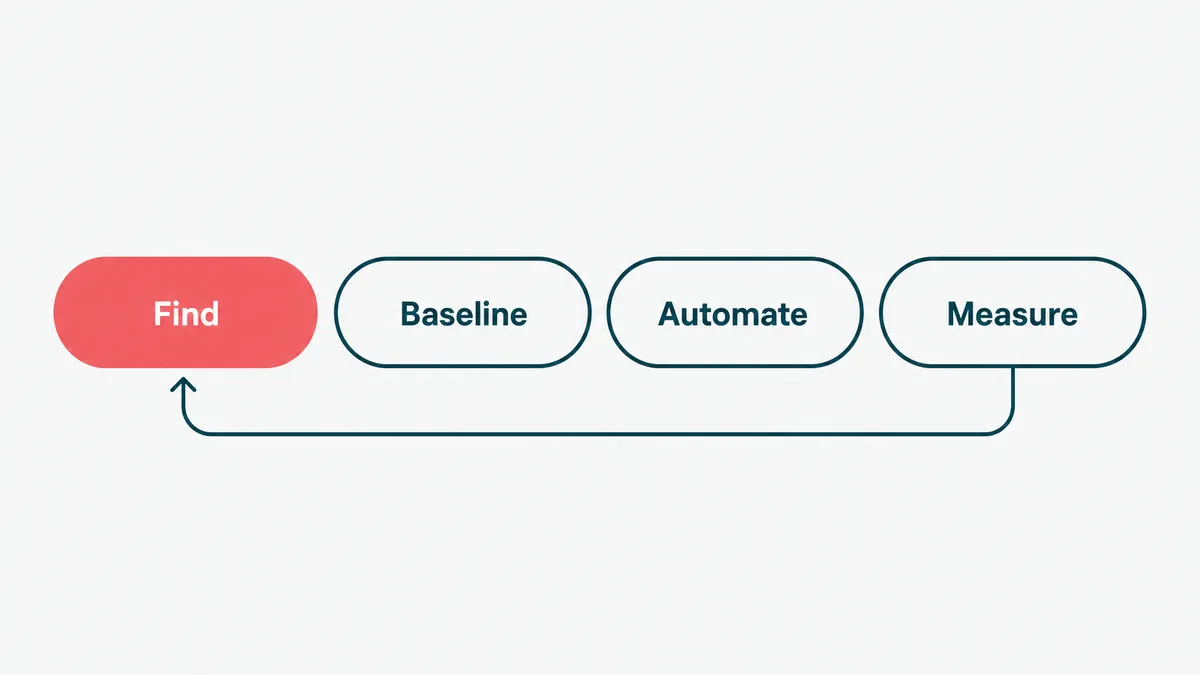
How to start: pick one workflow, prove it, expand
Do not buy a platform and then go looking for problems to feed it. Start the other way around.
- Find the biggest time sink. Ask the front desk and the clinicians where the day disappears, and believe them over the brochure. It is usually documentation, intake, or chasing results.
- Baseline it before you touch anything: how long the task takes, how often it goes wrong. Without that you only have opinions about whether it improved, and opinions do not renew contracts.
- Automate one workflow, just one. Something high-volume and low-risk, so a mistake is cheap and the payback is fast.
- Wire it into the EHR properly. If it does not integrate, it does not count.
- Measure against the baseline, then expand. If the number moved, do the next one. If it did not, find out why before you scale the disappointment.
This is deliberately unexciting. The practices that get value from automation are the ones that treat it like a series of small, proven steps, not a moonshot. You are not rebuilding the clinic. You are removing one stupid manual task at a time until the evenings come back.
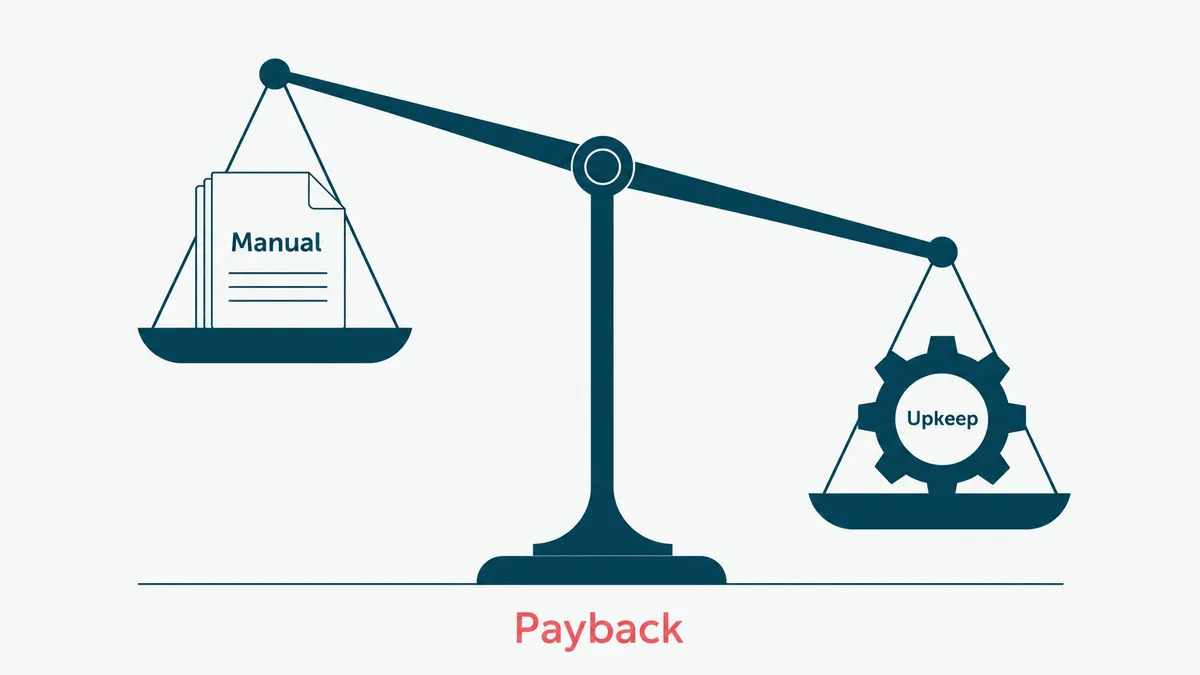
When not to automate (the payback math)
Automation has a payback period, the same as a delivery van. If a task happens twice a month and takes ten minutes, leave it alone. The spreadsheet already won, and automating it would be a hobby with a maintenance bill. Run the simple version of the math before you spend a cent: how often does this really happen, what does it cost when a person does it including the cost of doing it wrong, and what will it cost to run and maintain the automation after the invoice is paid. If maintenance is bigger than the manual cost, you have designed a more expensive way to do the same task, now with a pager that goes off at 2am.
The other place to stop is judgment. Anything that needs a clinician to weigh a specific patient stays manual on purpose. Automate the inputs to that decision, never the decision itself. We will happily talk you out of automation that will not pay back, because saying no to the wrong project is the cheapest way to earn the right one.
So automate the chart, the intake, the reminders, and the claims. Leave the medicine to the people with the medical degrees and the famously bad handwriting. If your team is keying the same patient data into four systems and losing the evening to notes, that is the part we are good at. Tell us the shape of the workflow, and we will tell you which half is worth automating, and which half you should keep doing by hand and be glad you do.