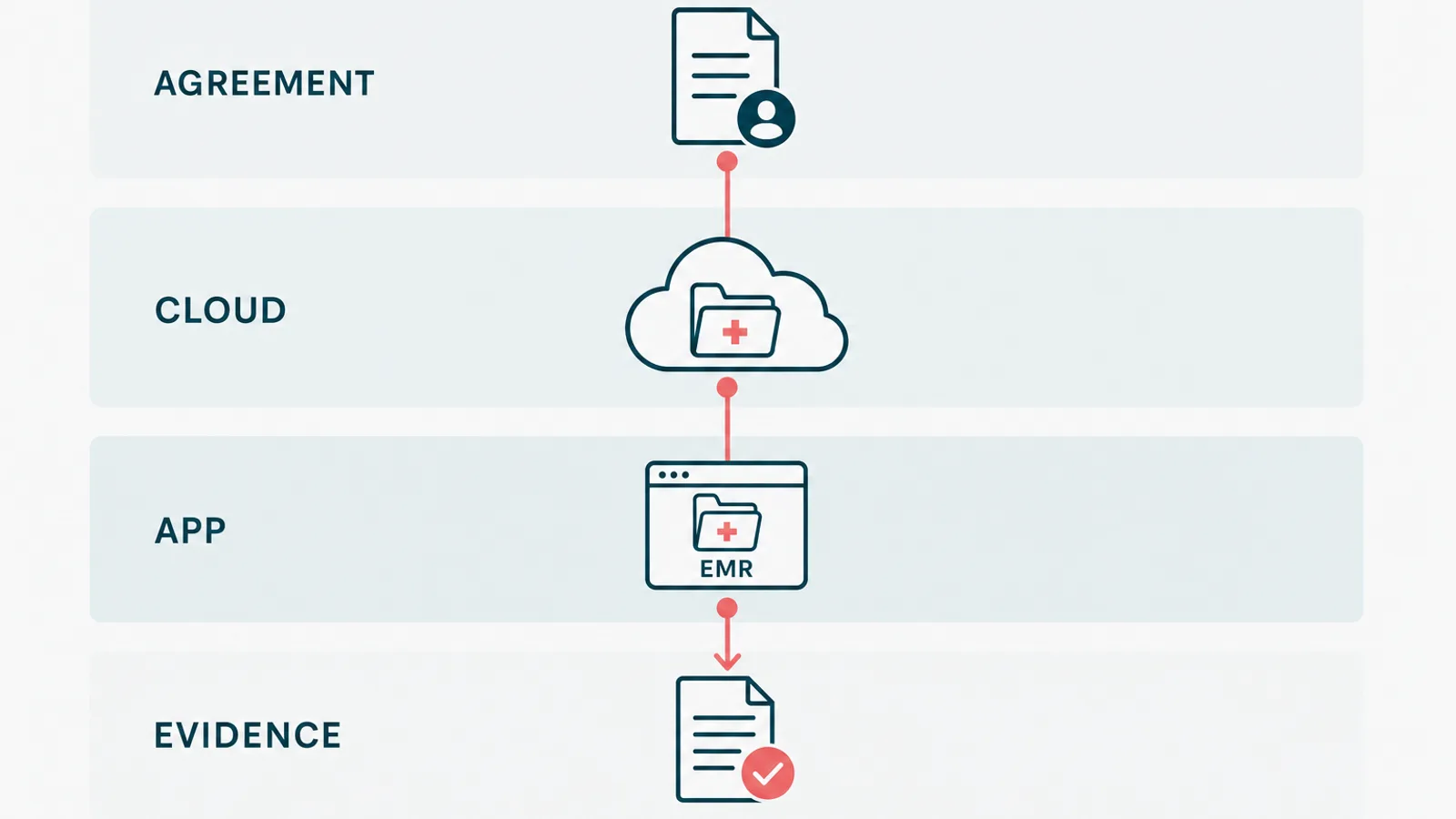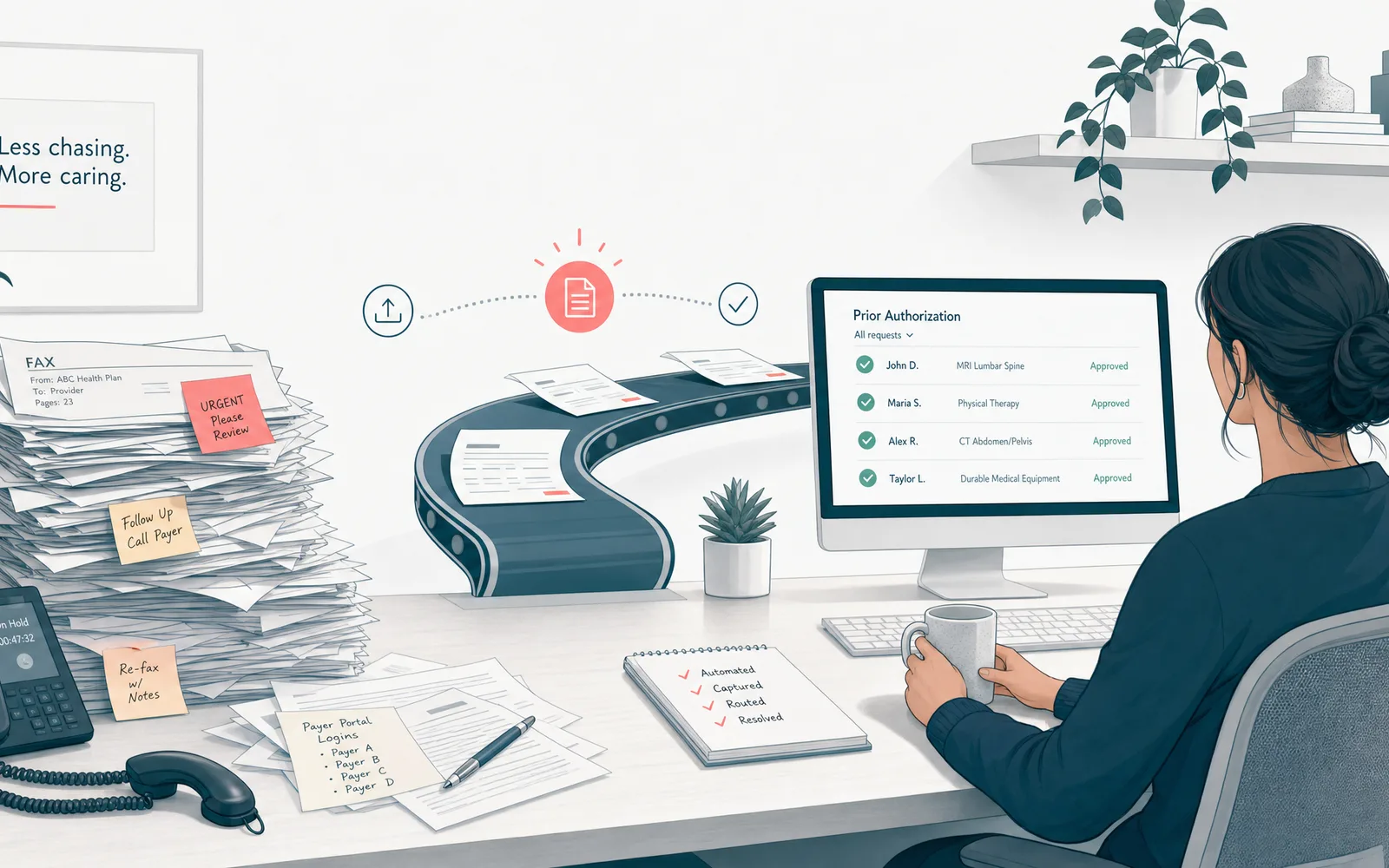
Prior authorization automation is software that handles the repetitive, rules-based steps of getting a treatment approved, like checking eligibility, gathering the documentation, submitting the request to the payer, and tracking the decision, so your staff stop living in payer portals and on hold. It automates the paperwork around the approval. It does not make the medical call, and it does not decide who gets care.
That is the whole idea. The rest of this guide is the part the demo skips: which steps to automate first, where AI actually helps, why most of these projects stall on payer integration, how to stay compliant, and when a request is too rare to bother automating at all.
One disclosure first. I run a software team that builds healthcare systems, including a HIPAA-aligned EMR and patient portal on .NET and Azure. So I am not neutral. I will still tell you which parts to leave alone, because that is the advice that ages well, and because the fastest way to waste a budget is to automate a process that happens twice a month.
Why prior authorization is worth automating
Prior authorization is the approval step a payer demands before it will cover a treatment, a medication, or a procedure. In theory it controls cost. In practice it has become one of the heaviest administrative loads in care, and most of that load lands on clinical staff who would rather be with patients.
The American Medical Association's annual survey reports, year after year, that physicians and their staff lose many hours each week to prior authorization, and that nearly all of them say it delays care. The work itself is the kind a computer should have taken over a decade ago: re-keying the same patient details, faxing chart notes, logging into a different portal for every plan, and calling to ask where a request went.

The cost is not only time. Slow approvals push back treatment and frustrate patients. Denied requests that should have gone through leak revenue and trigger appeals. Staff burn out doing work that no part of their training prepared them to find meaningful. This is why prior authorization automation moved from a billing footnote to a real priority. It is the same logic as the rest of clinical workflow automation: give trained people their time back by taking the rote data shuffling off their plate.
What prior authorization automation actually automates
Start where the work is high-volume and repeats the same way every time. The approval process breaks into steps, and most of them are honest automation targets:
- Determination: does this order even need authorization for this patient's plan. A lookup, not a judgment.
- Eligibility and benefits checks, pulled in real time instead of by phone.
- Documentation assembly: gathering the chart notes and results a payer wants to see.
- Submission, through the standard rails rather than a human at a portal.
- Status tracking, so nobody calls the payer to ask what happened.
- Denial triage: sorting the no-because-of-a-typo from the no-that-needs-a-clinician.
How do you choose which to do first? Multiply three numbers: how often the step happens, how long it takes each time, and how badly it hurts when it goes wrong. The highest-volume service lines, imaging, specialty drugs, certain procedures, usually win on all three. A rare request can wait.
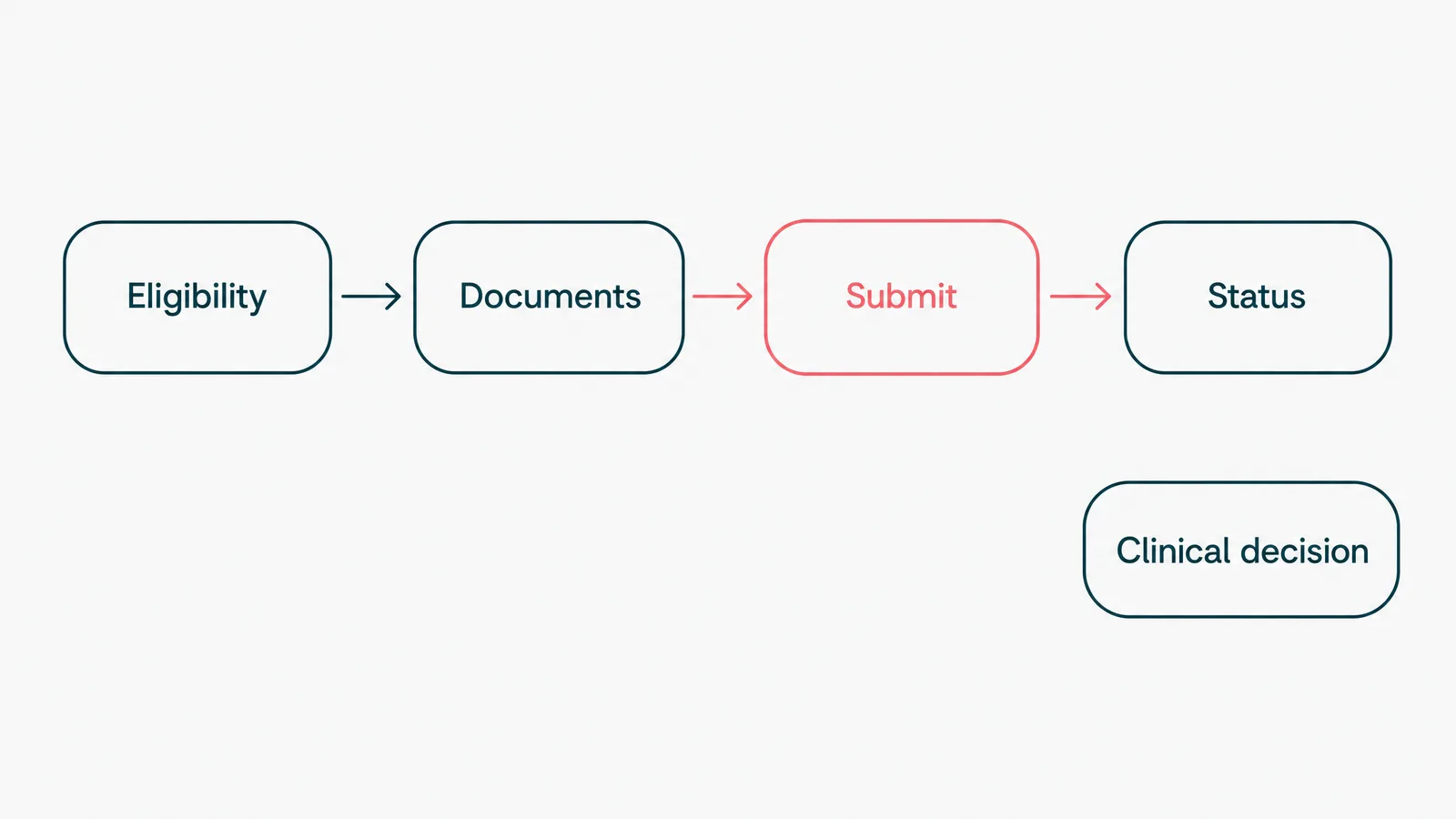
Notice what is not on that list. Whether the treatment is right for the patient is not a workflow. That is the clinician's call, and it stays with them.
Where AI fits, and where it does not
Most of this process is plain rules. If the plan requires authorization and the criteria are met, submit. No model required, and that is fine. AI earns its place in the parts that are too messy for rules.
The clearest example is documentation. A payer's medical-necessity policy can run for pages, and the evidence for it is buried in free-text notes. Reading those notes, matching them to the policy, and drafting the packet is exactly the kind of unstructured work a model is good at. On a healthcare wellness platform we built AI-assisted intake that reads a patient's lab PDFs and pulls out the values in plain language. The same shape of problem applies here: the model assembles the evidence, a person checks and submits it.
Here is the line that keeps you out of trouble. The model drafts, a human decides. Using AI to automatically approve or deny care is a different thing entirely, and on the payer side it is already drawing lawsuits and regulator attention. The accuracy bar is the same one that applies to every clinical AI feature. A demo gets you to roughly ninety percent, and the last nine points are the whole job, the part that does not demo well.
Why most prior authorization automation fails
It is rarely the technology. It is the seams between you and the payer.
First, the integration. A tool that cannot submit through the real rails has not removed the manual step, it has moved it. The standards exist for a reason: the X12 278 transaction for the request and response, and now FHIR-based prior authorization APIs under the CMS final rule. A vendor that quietly automates a payer's web portal instead is selling you a robot that breaks every time the payer ships a redesign.
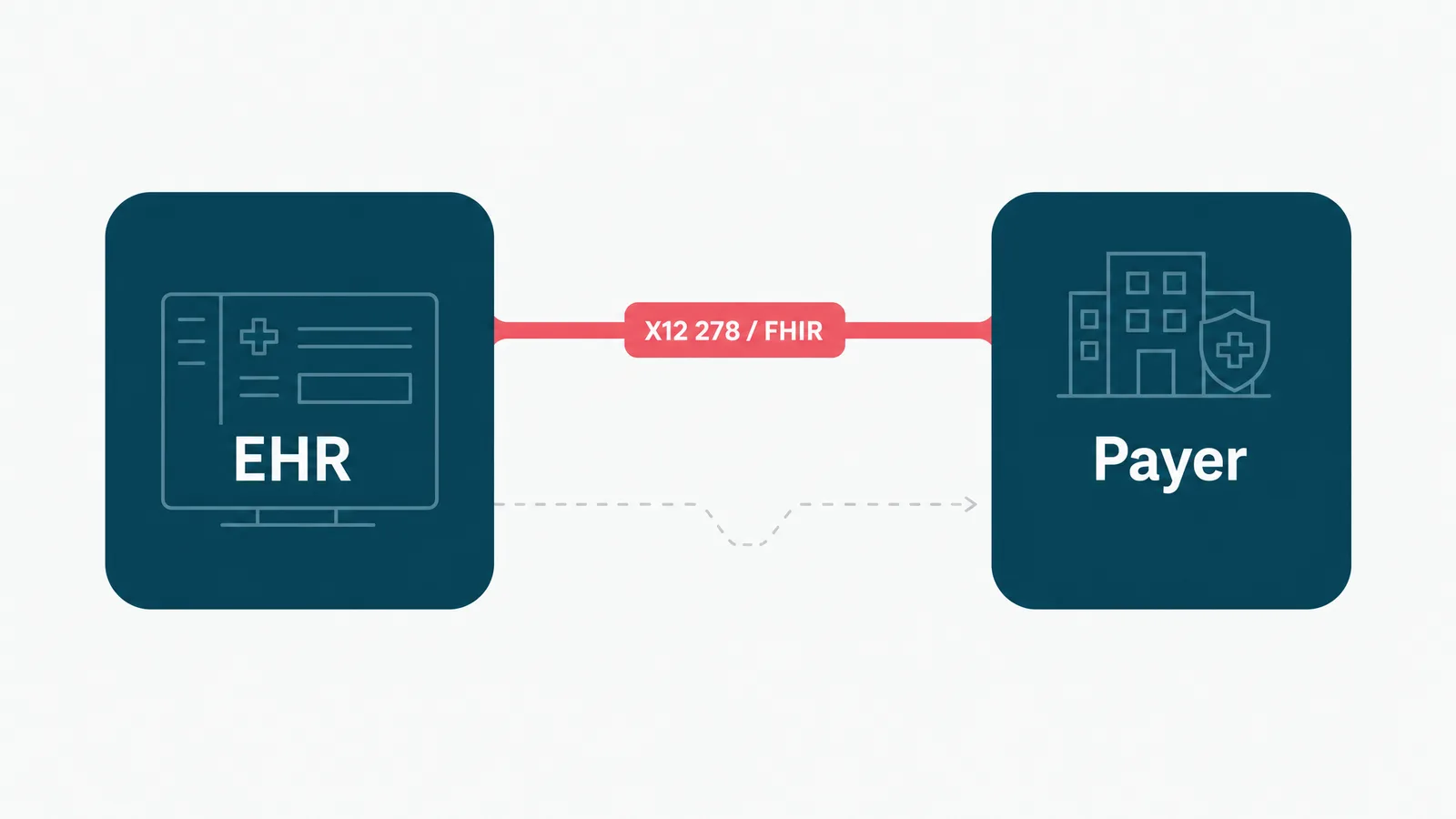
Second, brittle point tools. A practice ends up with one app for eligibility, another for submission, a third still running on a fax machine, none of them sharing context. Now a single request is three systems and two re-keyings, each a place to drop the ball.
Third, no measurement. Teams switch on an automation and never check whether approvals actually got faster or denials went down. Software you cannot measure is a rumor. Baseline the task first, then prove the number moved.
Keep it compliant: audit trails, PHI, and the boring correctness
This is the section the shiny demos skip, and the one that decides whether you can ship. You are automating around protected health information, so HIPAA is the design, not a checkbox at the end.
A few non-negotiables, learned building regulated software:
- An audit trail on every automated action: who or what submitted, when, and against which record. If the log cannot prove it, assume it did not happen.
- Least privilege, so an automation touches only the data it needs.
- A human on every decision that is a decision. The system assembles and submits, a person owns the clinical content and any appeal.
- PHI minimized and encrypted, never piped into a tool that was not built to hold it. Know exactly where data travels when an AI vendor is in the loop.
None of this is glamorous, and that is the point. We build HIPAA-aligned systems on .NET and Azure, and the genuinely hard part is never the feature list. It is making the correctness provable, on a normal sprint cadence, under real scrutiny.
How to start: pick one service line, prove it, expand
Do not buy a platform and then go hunting for things to feed it. Start the other way around.
- Find the biggest time sink. Ask the staff which authorizations eat the day, and believe them over the brochure. It is usually one or two high-volume service lines.
- Baseline it: how long a request takes, how often it is denied, how much rework it creates. Without that you only have opinions about whether it improved.
- Automate one path, just one. High-volume and well-defined, so a mistake is cheap and the payback is fast.
- Wire it into the EHR and the payer properly, on the standard rails. If it does not integrate, it does not count.
- Measure against the baseline, then expand. If approvals got faster, do the next service line. If they did not, find out why before you scale it.
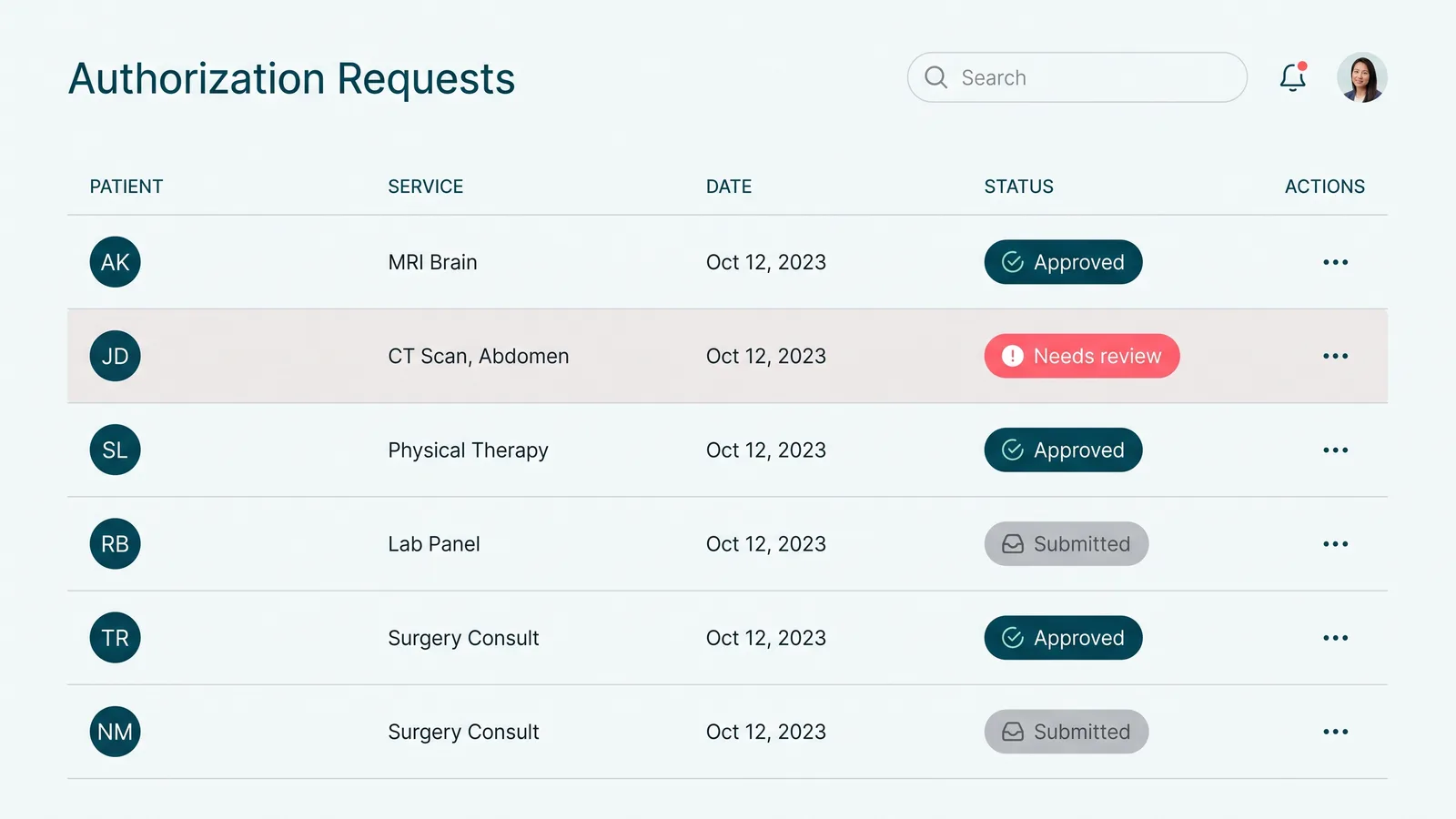
This is deliberately unexciting. The teams that get value from automation treat it as a series of small, proven steps, not a moonshot.
When not to automate (the payback math)
Automation has a payback period, the same as any equipment. If an authorization type comes up twice a month and takes ten minutes, leave it alone. Run the simple math before you spend a cent: how often does this really happen, what does it cost when a person does it including the cost of getting it wrong, and what will it cost to run and maintain the automation after the invoice is paid. If maintenance outweighs the manual cost, you have built a more expensive way to do the same task.
The other place to stop is judgment. The clinical reason behind a request, and the appeal when a payer pushes back, stay with a person on purpose. Automate the inputs to those, never the call itself. We will happily talk you out of automation that will not pay back, because saying no to the wrong project is the cheapest way to earn the right one.
So automate the eligibility checks, the documentation, the submission, and the status chasing. Leave the medical necessity and the appeals to the people who trained for them. If your staff are losing hours a week to payer portals and fax machines, that is the part we are good at. Tell us the shape of the workflow, and we will tell you which half is worth automating, and which half to keep in human hands on purpose.