Every operations team has a process that lives in one person's head and a spreadsheet nobody else is allowed to touch. (When that person takes a holiday, so does the process.) Business process automation is how you get it out of their head and into something that runs on a Tuesday without them.
Business process automation (BPA) is the use of software to run a repeatable, multi-step business process from start to finish, with little or no manual work. The software waits for a trigger, applies your rules, moves the work between steps and systems, and logs what it did. It turns a process that depends on someone remembering into one that just runs. The hard part is not the software. It is knowing which process to point it at.
A disclosure before we start: we build this for businesses, so we are not a neutral party. We are, however, specific. This guide covers what BPA actually is, how it works, real examples by team, the tools, and the honest question of when to leave a process alone.
What business process automation is, and what it is not
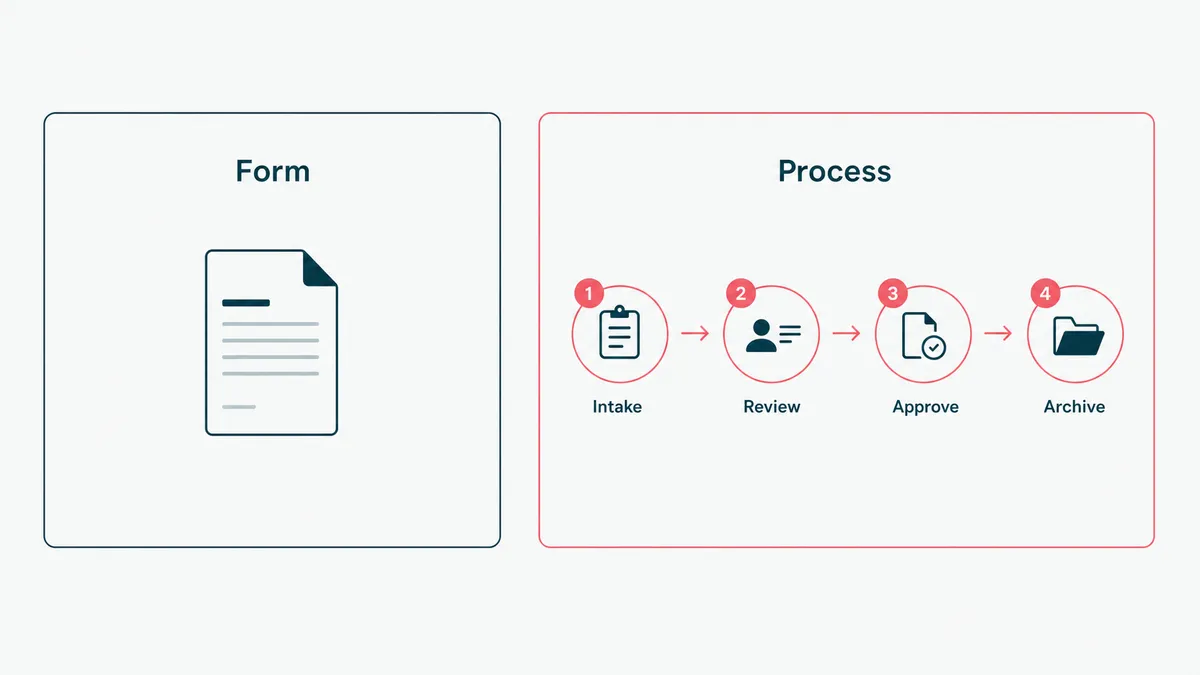
A business process is any sequence of steps that produces a result: an invoice gets paid, a customer gets onboarded, a ticket gets resolved. Business process automation hands that sequence to software so it runs the same way every time, without a person shepherding each step. Harvard Business School Online has a clean primer if you want the textbook version.
What it is not is a single product you buy. BPA is an outcome, and there are several techniques that get you there. It is also not the same as digitizing a form. A PDF that emails itself is a nice start, but if a human still reads it, decides, and re-types the result into another system, you have automated the paperwork and left the process alone. The work is in the handoffs, not the documents.
It is also not a synonym for AI, though the two now travel together. Most BPA is plain deterministic logic: if this, then that, every time, fully auditable. AI joins the party only where the input is too messy for fixed rules. We pulled that thread apart in AI business automation, because the line between the two is exactly where projects succeed or quietly overspend.
How business process automation works
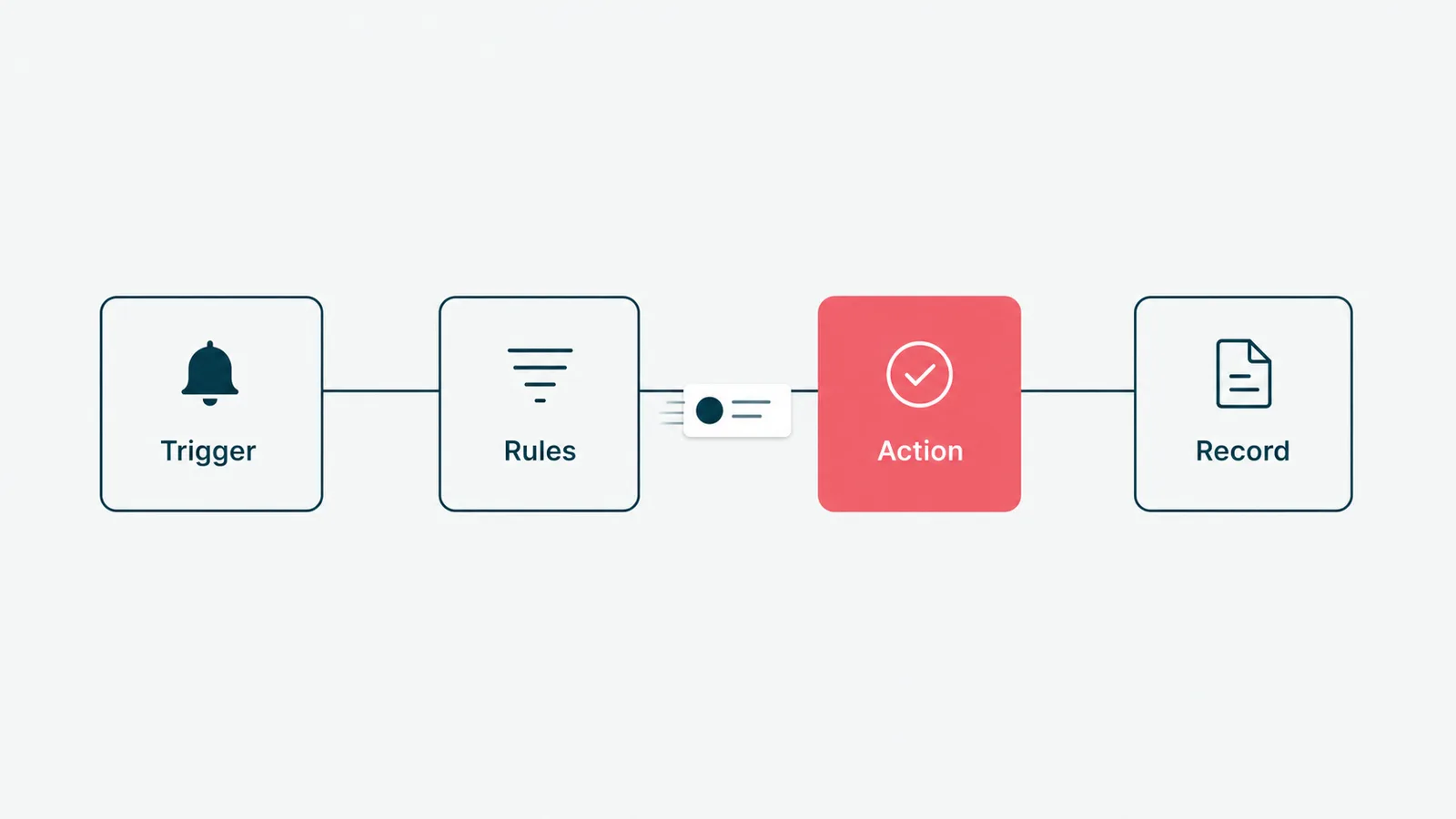
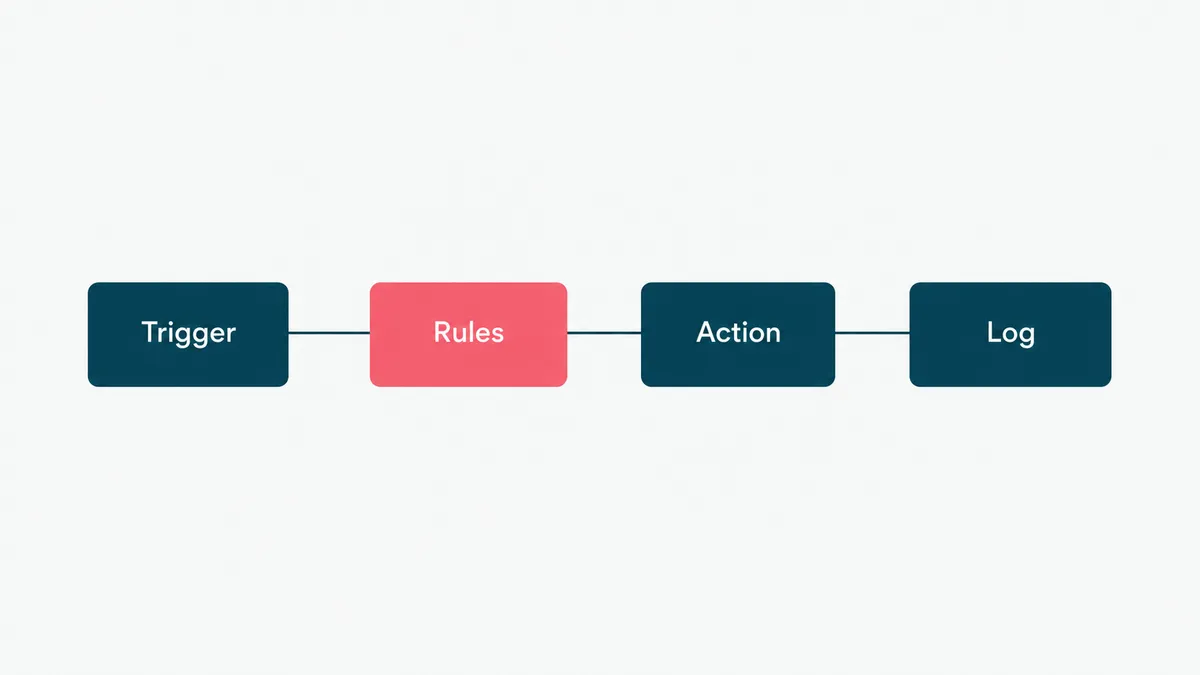
Strip away the vendor language and every BPA system is the same four parts. A trigger starts it: a form submitted, a record created, a date reached, an email arriving. A set of rules decides what happens next: the conditions, the branches, the approvals, the thresholds. An action carries it out: create the record, send the message, update the other system, generate the document. And a log records all of it, so you can prove what happened and why.
The glue that makes it real is integration. A process worth automating almost always touches more than one system, your CRM, your billing, your help desk, your HR tool, and those systems were not built to talk to each other. Wiring them together through their APIs is most of the actual work, and the part the demos skip. The trigger-and-rules logic is an afternoon. The integration into a 30-year-old system with one export format is the project.
Where a process hits a step that fixed rules cannot handle, reading a scanned document, classifying a free-text request, that is where an AI agent earns its place. It does the one messy step, then hands back to the deterministic flow. The NIST AI Risk Management Framework is the sober reference for keeping that part on a leash, and it is free.
Business process automation examples, by team
The concept clicks when you see it land in a real department. Here is where it pays back across a typical company.
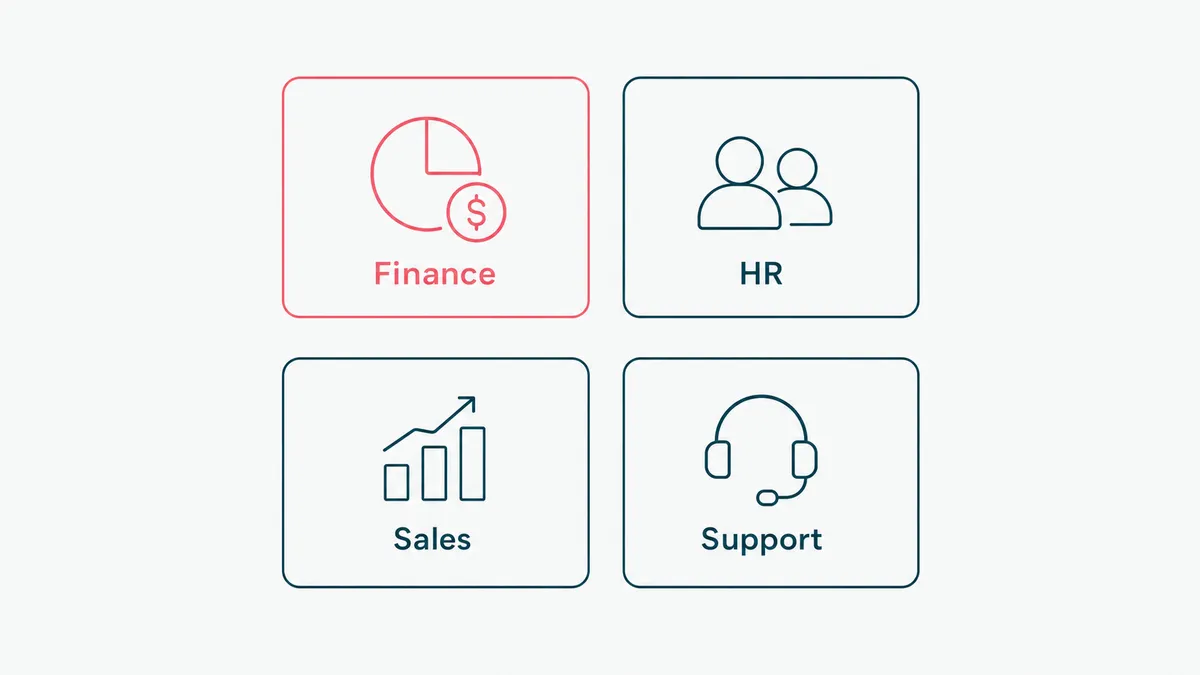
In finance, invoice approval and accounts payable. An invoice arrives, gets matched against the purchase order, routes to the right approver, and posts to the ledger, with a human looking only at the exceptions. In HR, employee onboarding: one new-hire record fans out into account provisioning, paperwork, scheduling, and the payroll setup, instead of a checklist someone forgets on a Friday. In sales operations, lead routing and CRM hygiene: leads scored and assigned the moment they arrive, and the data entry that reps avoid handled for them. In customer service, ticket triage: requests classified and sent to the right queue before anyone reads them, so the morning starts sorted.
The pattern is the same every time. A trigger, a few rules, a handoff between systems, and a person freed from being the integration. None of it is glamorous. All of it is hours back. We have written separately about how this plays out for owner-run companies in small business automation, where the math is even more direct, and in regulated settings, where the same trigger and rules have to carry an audit trail, in clinical workflow automation.
The benefits, in numbers you can check
Vendors promise transformation. The honest benefits are smaller, measurable, and worth more than the adjective.
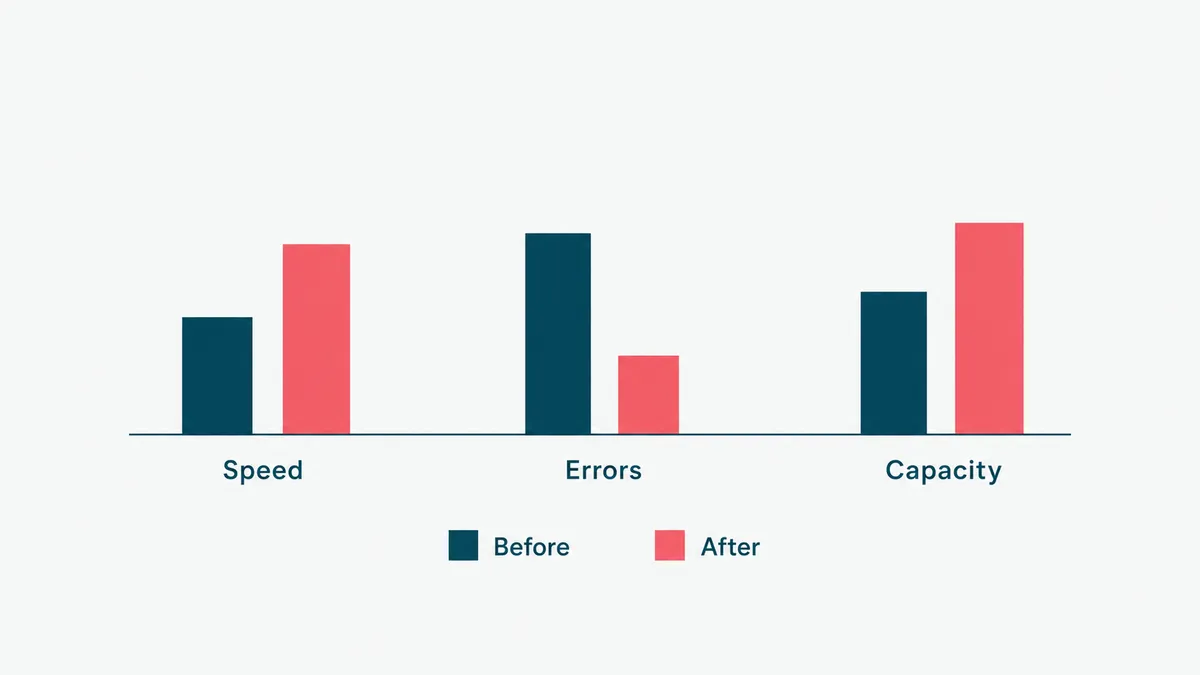
Speed comes first. Work that waited overnight for a free pair of hands now moves in seconds, so cycle time drops and the queue stops backing up. Accuracy comes second. Software does not get tired at 4pm or fat-finger a number into the wrong column, so the same process run by a machine makes fewer and more predictable errors. Capacity comes third. The team that drowned at forty cases a day handles eighty, because the software does the repetitive part and the people do the deciding. And visibility comes with all of it: every step is logged, so for the first time you can see where the process actually slows down.
Measure each against the baseline you wrote down before the build. If you did not write one down, that is step one, and a benefit you cannot show in a before-and-after number is a feeling. Feelings do not survive budget season.
Business process automation tools, by category
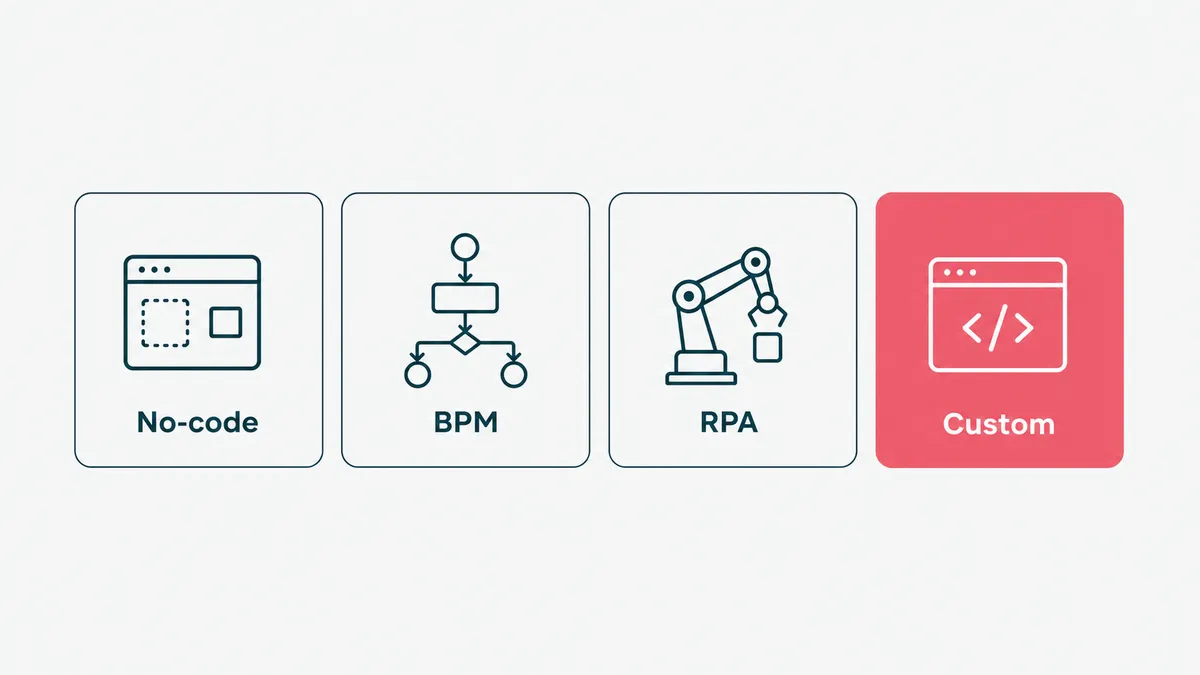
The tools sort into four buckets, and picking the right bucket matters more than picking the right brand.
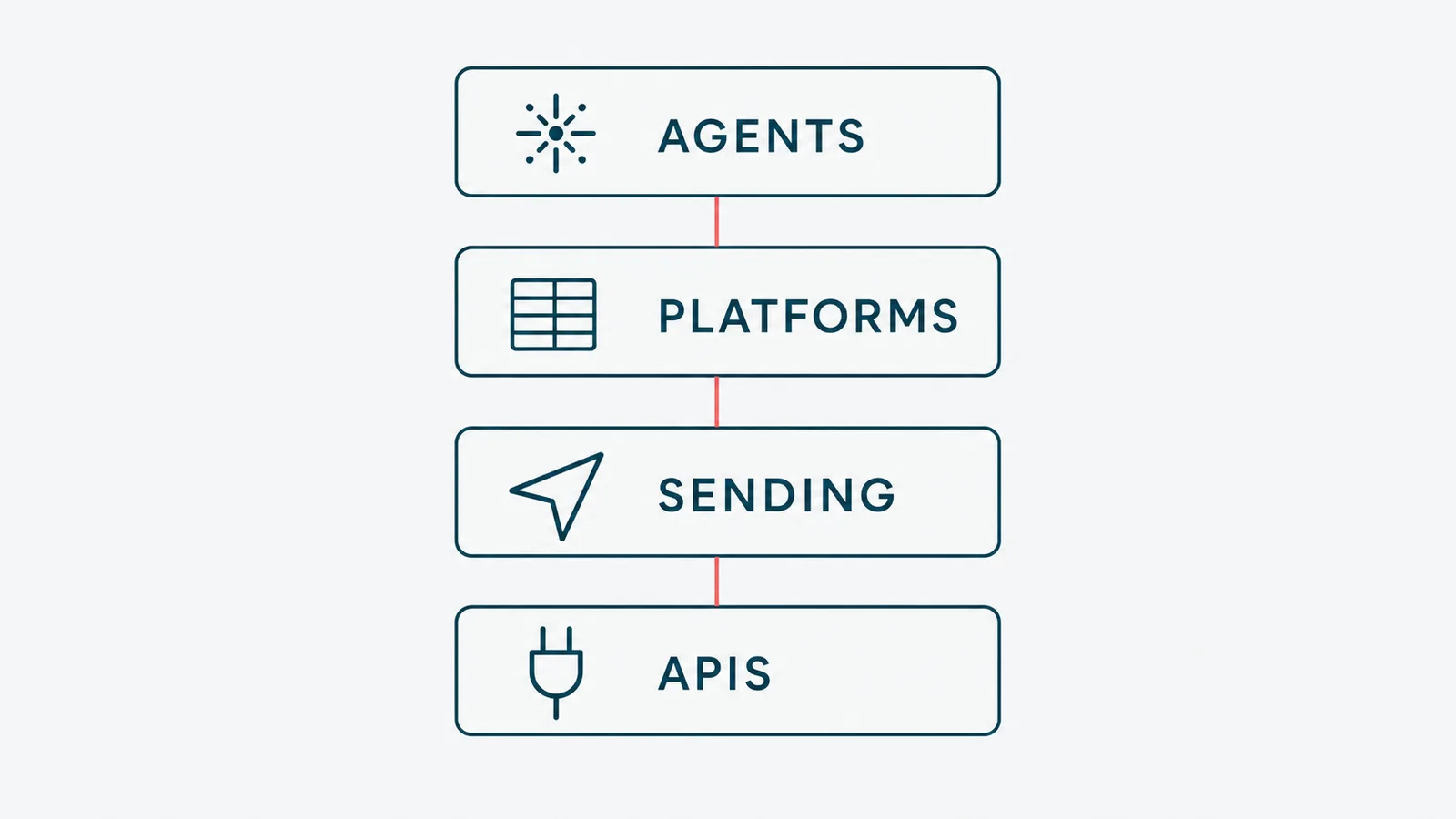
No-code workflow builders handle simple app-to-app plumbing: when a form is submitted, add a row, send a Slack message, create the task. Cheap, fast, and right for standard processes. Dedicated BPA and BPM platforms handle complex, multi-department processes with heavy approval logic and compliance needs. RPA tools sit on top of systems that have no API and that you are not allowed to change, common in older finance and healthcare stacks, and they trade durability for reach (IBM keeps a useful primer on where each fits). And custom builds are for when the process is your competitive edge, the integrations are hard, or an off-the-shelf tool would force you to work its way instead of yours. That last case is what our workflow automation work covers.
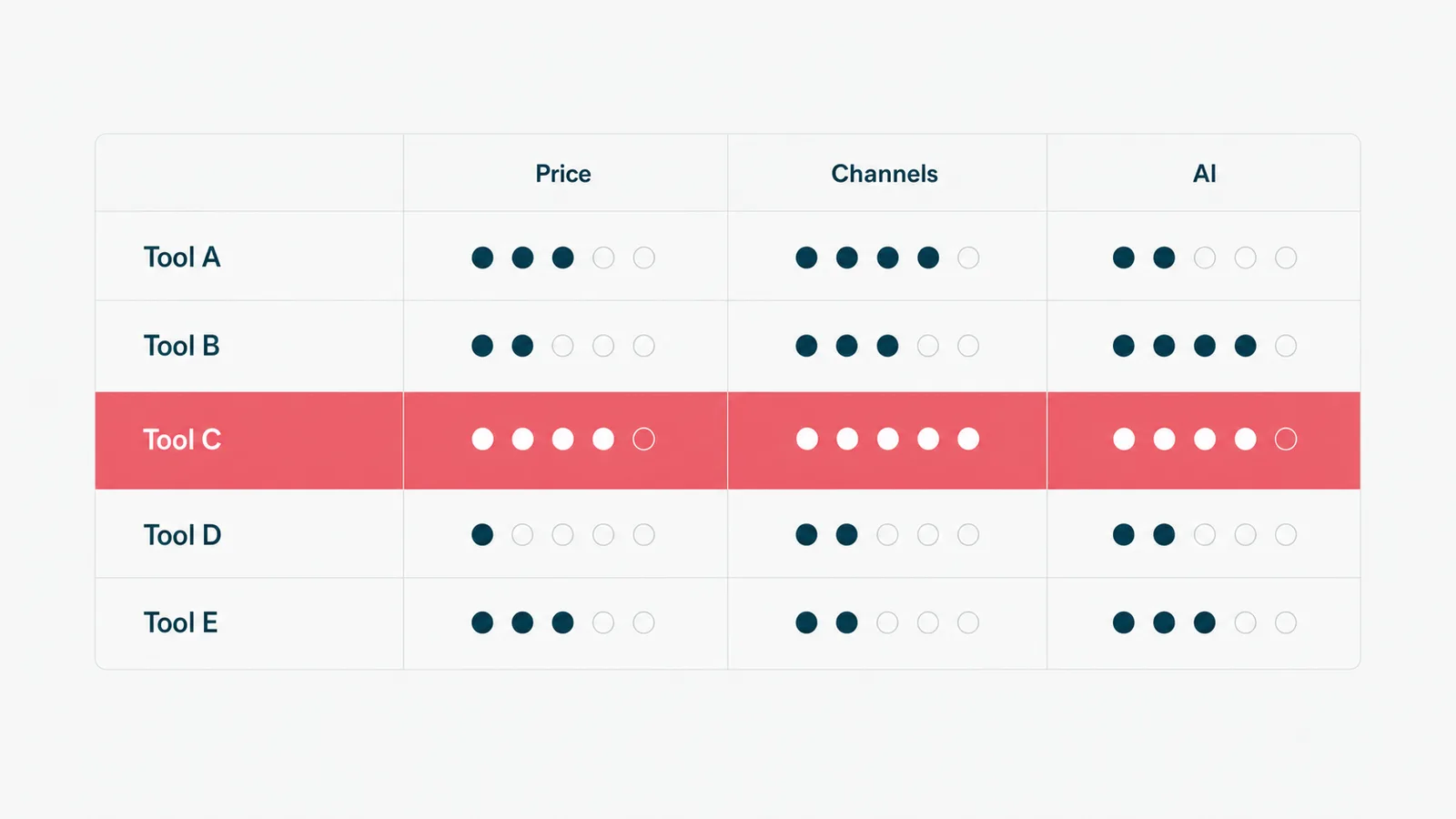
What to look for is boring and decisive: does it integrate with the systems you already run, does it keep an audit trail, and does its pricing scale the way your usage does. The flashiest builder is worthless if it cannot reach your billing system.
How to get started without boiling the ocean
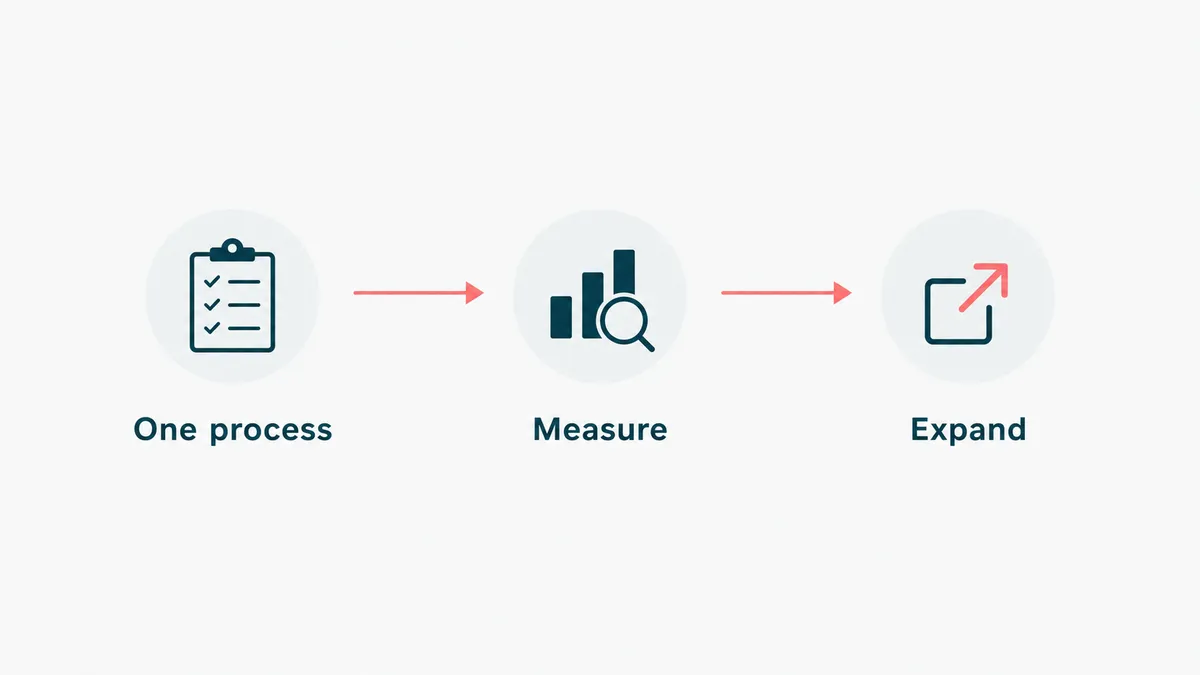
You do not roll out BPA across the company. You pick one process and prove it.
- Map where the hours actually go. Find the process your team complains about, the one that eats afternoons and produces the most copy-paste. The complaint is your business case, pre-calculated and free.
- Measure it before you touch it: hours per week, error rate, who handles it. You cannot prove payback against a baseline nobody recorded.
- Stabilize the process first, then automate. Automation freezes whatever shape the process is in, chaos included, so fix the steps before you cast them in software.
- Automate one process end to end, inside the tools your team already uses. A separate portal nobody opens is where adoption goes to die.
- Measure again, then expand to the next process. Let the first win fund the second, the way business process automation services are meant to be phased.
When business process automation is the wrong call
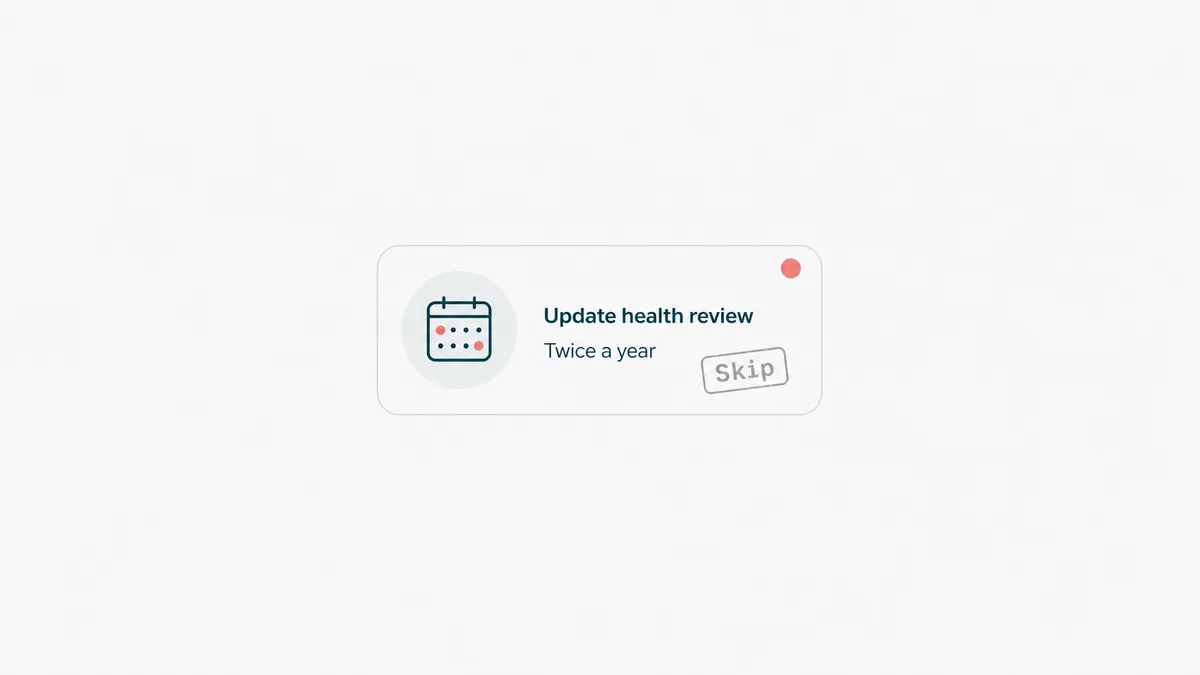
The fastest way to waste money here is to automate the wrong thing well. So do not automate a process you run twice a year; the build costs more than the hours it saves. Do not automate a process you have not stabilized, because you will just lock in the mess and run it faster. And do not put a model where an if-statement works, because the if-statement never has an off day.
Watch out for the simple-looking process that is not. We once took on what a client described as a basic invoicing feature. It became a real payments system, with every unglamorous state the business actually hits: draft, sent, unpaid, partially paid, refunded, voided, disputed. The happy path was an afternoon. The states nobody wants to think about were the job, and we shipped them on a tight deadline without cutting the corners that matter when money is moving. A process is rarely as simple as the person describing it believes, and the gap is where the budget goes.
So before you automate anything, ask one question: if this process disappeared tomorrow, would anyone notice by Friday. If the answer is no, you have found busywork, and automating busywork just gives it a faster horse. We keep the longer argument in when not to automate.
Send us the process that eats your team's week and we will reply with a scoped estimate, or with the name of a no-code tool that already solves it and our honest congratulations on the money you kept. Email us either way. We answer faster than your current approval chain, which we mean as both a promise and a gentle diagnosis.