Every pitch deck this year has the same slide: a robot, an upward arrow, and the word "transformation." (The robot never survives contact with your invoicing process.) Here is what AI business automation looks like when it has to work on a Tuesday.
AI business automation is the use of AI models to run business tasks that previously needed a person. It reads documents, routes requests, drafts records, and reconciles data. Unlike classic automation it handles messy inputs, not just fixed rules, and done well it removes hours of admin work per employee per week. The trick is knowing which hours.
A disclosure before we start: we build this for a living, so we are not neutral. We are, however, specific. This guide covers what AI business automation actually is, where it works, what it costs, and the cases where you should keep your money.

AI business automation is a worker, not a workflow
Classic business process automation moves a known input through known steps. If the form is always the same, a rules engine wins. AI business automation earns its keep one step earlier, at the messy edge where inputs vary: a lab report as a scanned PDF, a customer email with three questions in one paragraph, an intake form filled in by a human having a day.
The model reads, classifies, extracts, and drafts. The system around it routes, stores, and asks a person when confidence drops. That last clause is the difference between automation you trust and automation you babysit. We hold every feature to one test, borrowed from our healthcare work: would the person it serves actually open it twice. A demo only has to work once.
Who this fits: operators whose teams spend hours a week on documents, intake, scheduling, or data entry. If your bottleneck is creative strategy, a model will not save you. (Nothing saves you from strategy meetings.)
AI automation vs RPA vs business process automation
The vocabulary gets sold interchangeably, which is convenient for whoever is invoicing you. The differences are real.
Business process automation is the umbrella: software runs a multi-step process end to end. Harvard Business School Online has a solid plain-English primer. Robotic process automation is the brittle cousin: it replays recorded clicks against fixed screens, and the day the vendor moves a button, your bot files invoices into the void.
AI automation replaces the recorded clicks with judgment. It reads the new screen, the malformed PDF, the email that says "same as last time but for October." IBM calls this shift enterprise automation 2.0, and for once the vendor framing matches what we see in delivery: the value moved from replaying steps to understanding inputs.
Rule of thumb. Stable input, stable rules: BPA or RPA, cheaper and deterministic. Variable input, known outcome: AI. Variable input, unknown outcome: a hire, not a model.

What actually improves, in numbers you can audit
Vendor decks promise transformation. Delivery logs promise four things, and the logs are the ones under oath.
Cycle time drops first. The intake that waited overnight for a human reader gets a draft in seconds, and the human becomes a reviewer instead of a typist. Reviewing is faster than producing; that gap is most of the payback. Error rates fall second, not because models are flawless but because they are consistent: a model does not get tired at 4 p.m., and the errors it does make cluster in patterns you can catch with a rule. People do the opposite, which is why nobody can write a linter for Friday afternoon.
Coverage widens third. Software does not sleep, so the request that lands at 2 a.m. is triaged at 2 a.m., and the morning queue starts sorted. And capacity arrives without headcount: the team that drowned at 40 intakes a day handles 80, because the model does the reading and they do the deciding.
Measure all four against the baseline you wrote down before the build (you did write it down; step two is still up there). A benefit you cannot show in a before-and-after number is a feeling, and feelings do not survive budget season.

Where it pays back first
The unglamorous places. Every list below is work we have shipped or scoped, not a vendor brochure.
- Document intake: reading PDFs, forms, and reports into structured records. On a healthcare platform we built, AI-assisted intake reads a patient's lab PDFs and turns them into plain language a provider uses during the visit.
- Drafting: meeting notes into follow-ups, tickets into responses, records into summaries a human signs off.
- Routing and triage: requests classified and sent to the right queue before anyone reads them.
- Reconciliation: two systems that disagree about the same customer, matched and flagged.
- Scheduling and reminders, the quiet killer of front-desk hours.
In clinics this whole category has its own name and its own playbook; we wrote up clinical workflow automation separately, and for owner-run companies there is a dedicated guide to small business automation. The pattern transfers to any document-heavy operation: law, logistics, lending, property. In customer support it has its own playbook too: call center automation.

How to roll it out without burning a quarter
- Pick the workflow your team complains about, not the one that demos well. The complaint is your ROI estimate, pre-calculated and free.
- Measure it first: hours per week, error rate, and who touches it. You cannot prove payback against a baseline nobody wrote down.
- Prove the model on your real data before building anything. This is the cheapest win in the whole project: going from a bare prompt to a handful of good worked examples (around 15) routinely moves accuracy from roughly 90 percent to the 99 percent that survives contact with customers. The examples are the product; the prompt is packaging.
- Ship inside the tools your team already uses. A separate AI portal is where adoption goes to die.
- Keep a person on the judgment calls, and log everything. The NIST AI Risk Management Framework is the sober reference here, and it is free.
If you would rather have help, the same advice applies to hiring: we wrote a field guide to choosing an AI automation agency, including the questions that make a bad one visibly sweat.

The failure modes, read before you sign anything
Every AI automation that dies in production dies one of four deaths, and none of them is "the model was not smart enough."
The first is the unguarded edge case. Models are confident the way interns are confident, and on a weird input they will produce a weird answer with a straight face. The fix is structural, not motivational: confidence thresholds, a human on the low-confidence queue, and logs you can replay. If a vendor's plan has no review queue, the plan is a demo.
The second is data that was never as clean as everyone claimed. The automation does not fix a chaotic process; it runs the chaos faster and in bulk. Stabilize first, automate second.
The third is integration debt. The model is two API calls; the legacy system it must read from is the project. We build healthcare integrations for a living, and the model is never the line item that slips. The 30-year-old interface with one PDF export is.
The fourth is the team routing around it. An automation nobody trusts becomes a parallel process: the official tool and the real spreadsheet. This is the people-and-process 70 percent from the FAQ below, and it is bought with boring things: training, a feedback channel, and the humility to fix what the first month of usage exposes.
None of these is a reason not to automate. Each is a reason to scope like an engineer instead of shopping like a tourist.
The honest cost math
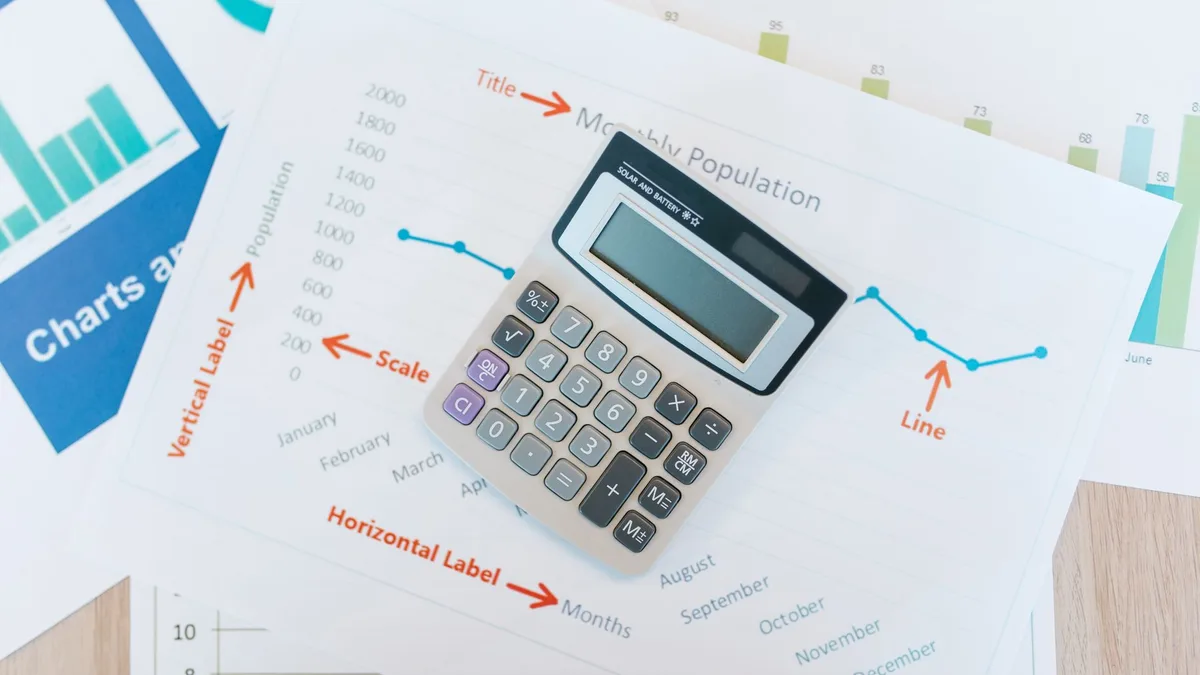
Off-the-shelf automation tools run from tens to a few hundred dollars per month per seat, and for standard workflows they are the right answer. A custom build that automates one real workflow, with integrations into your systems and proper guardrails, typically lands in the tens of thousands of dollars, more when compliance is involved.
The only number that matters is payback. Hours saved per week, times the loaded cost of the people doing the work, against the build cost. A workflow that eats 20 staff hours a week pays for a serious build inside a year; a workflow that eats 2 hours does not, and we will tell you so on the call. For regulated industries the math has a second column: in healthcare, the build must clear HIPAA before it clears finance, which is its own discipline. That intersection, picking the AI use case that survives both columns, is exactly what our healthcare AI consulting engagements exist to settle.

When you should not automate
The fastest way to earn trust in this business is to talk someone out of automation that will not pay back. So: do not automate a process you run twice a year. Do not automate a process you have not stabilized, because automation freezes whatever shape the process is in, chaos included. Do not put a model where an if-statement works; the if-statement never hallucinates. And do not automate the thing your customers actually pay to have a human do.
We practice this. When a client's real usage said their build should get smaller, we made it smaller: fewer people, automated the smoke tests, kept the compliance work, and tied re-expansion to a real user number instead of hope. The invoice shrank. The relationship did not.
We keep the longer version of this argument in when not to automate, and the short version is one question: if this workflow disappeared tomorrow, would anyone notice by Friday. If not, automating it is just giving your busywork a faster horse.
The build-or-buy fork is simpler than the vendors make it. Buy when your process looks like everyone else's. Build when the process is your edge, the inputs are yours alone, or the off-the-shelf tool would bend your operation around its assumptions; that is the case our custom workflow software work covers.
Send us the workflow that eats your week and we will reply with a scoped estimate, or with the name of an off-the-shelf tool and our sincere congratulations on the money you just kept. Email us either way. We answer faster than your current intake process. (That was the last joke. It was also a benchmark.)